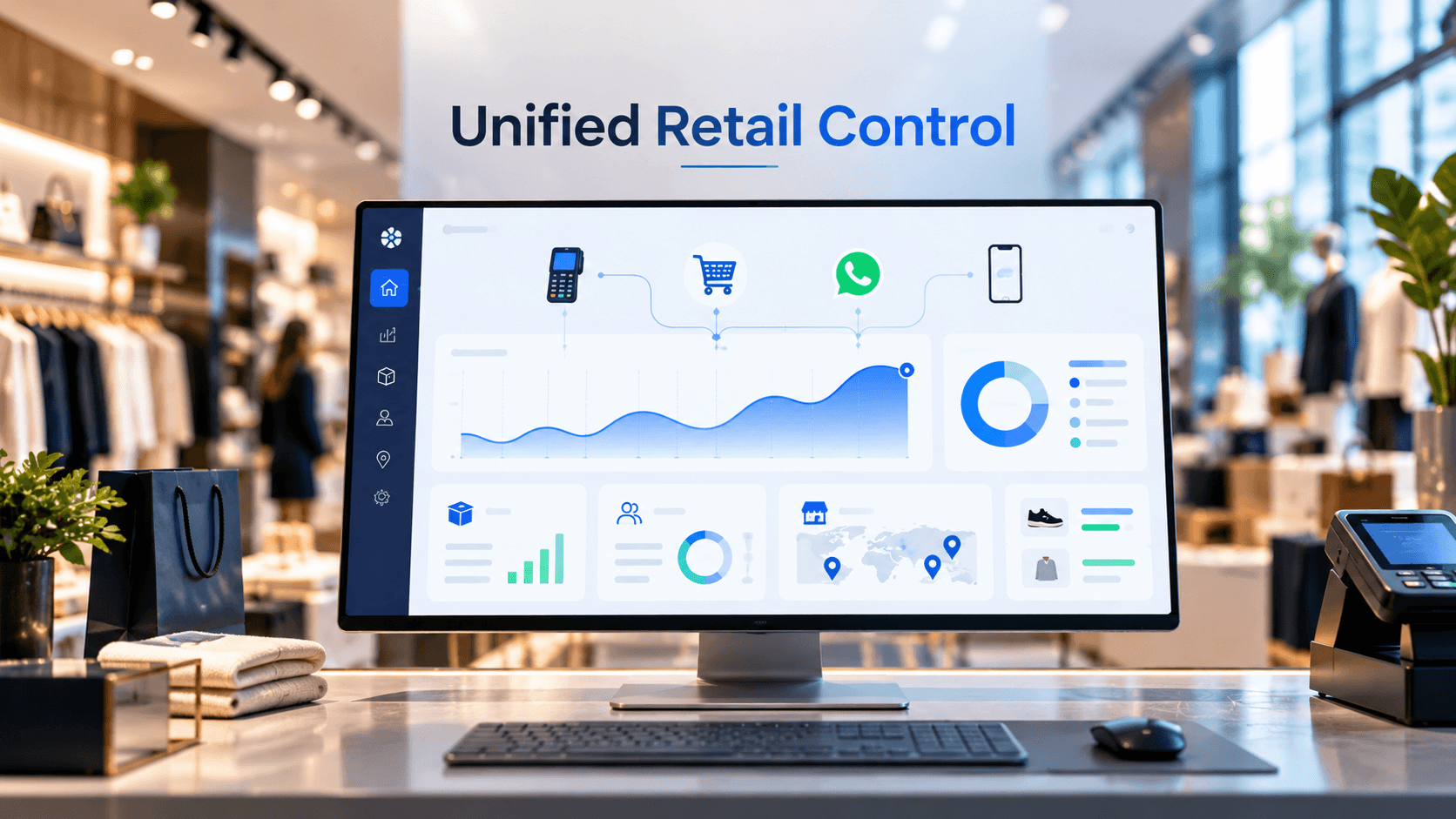
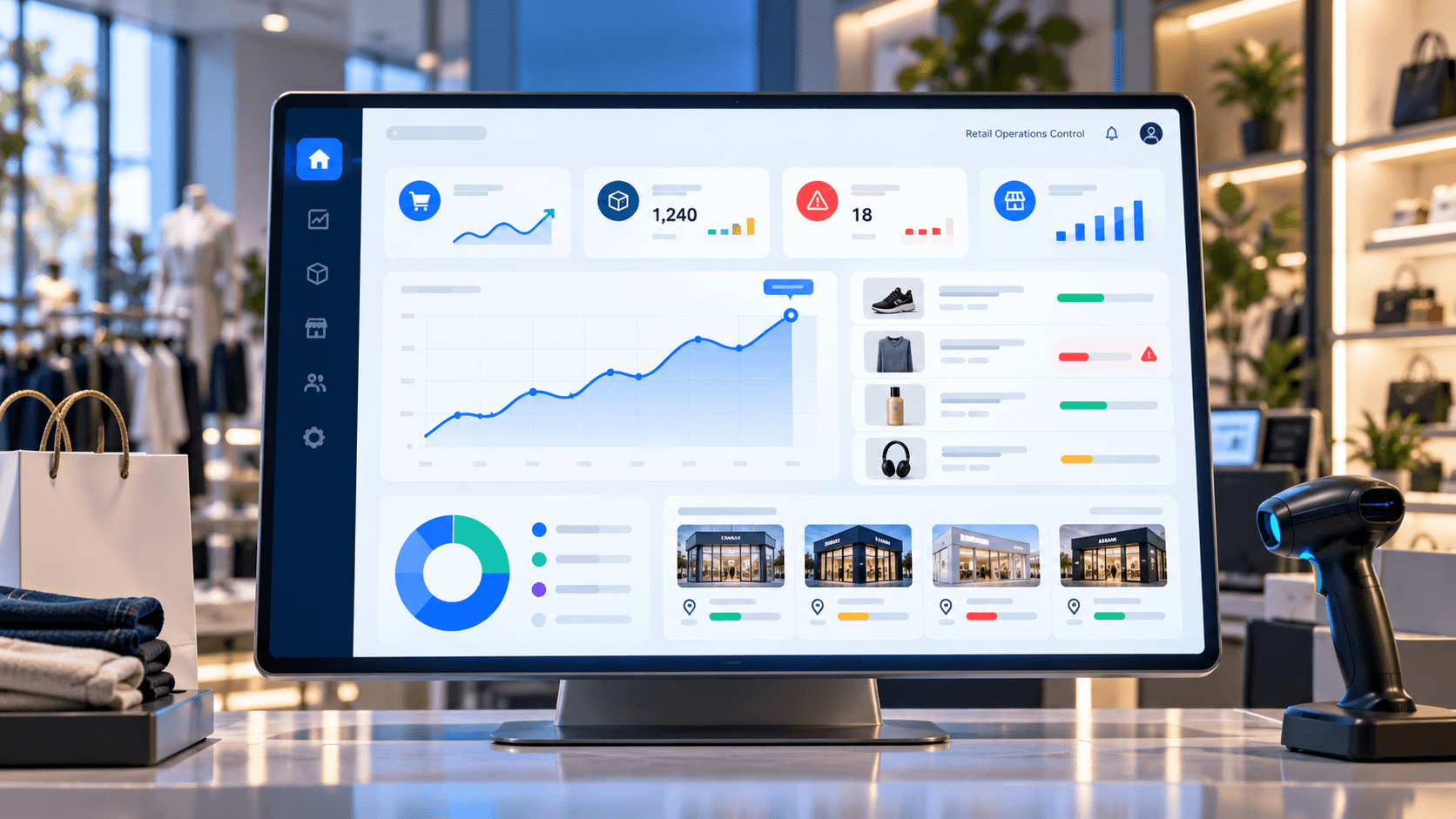
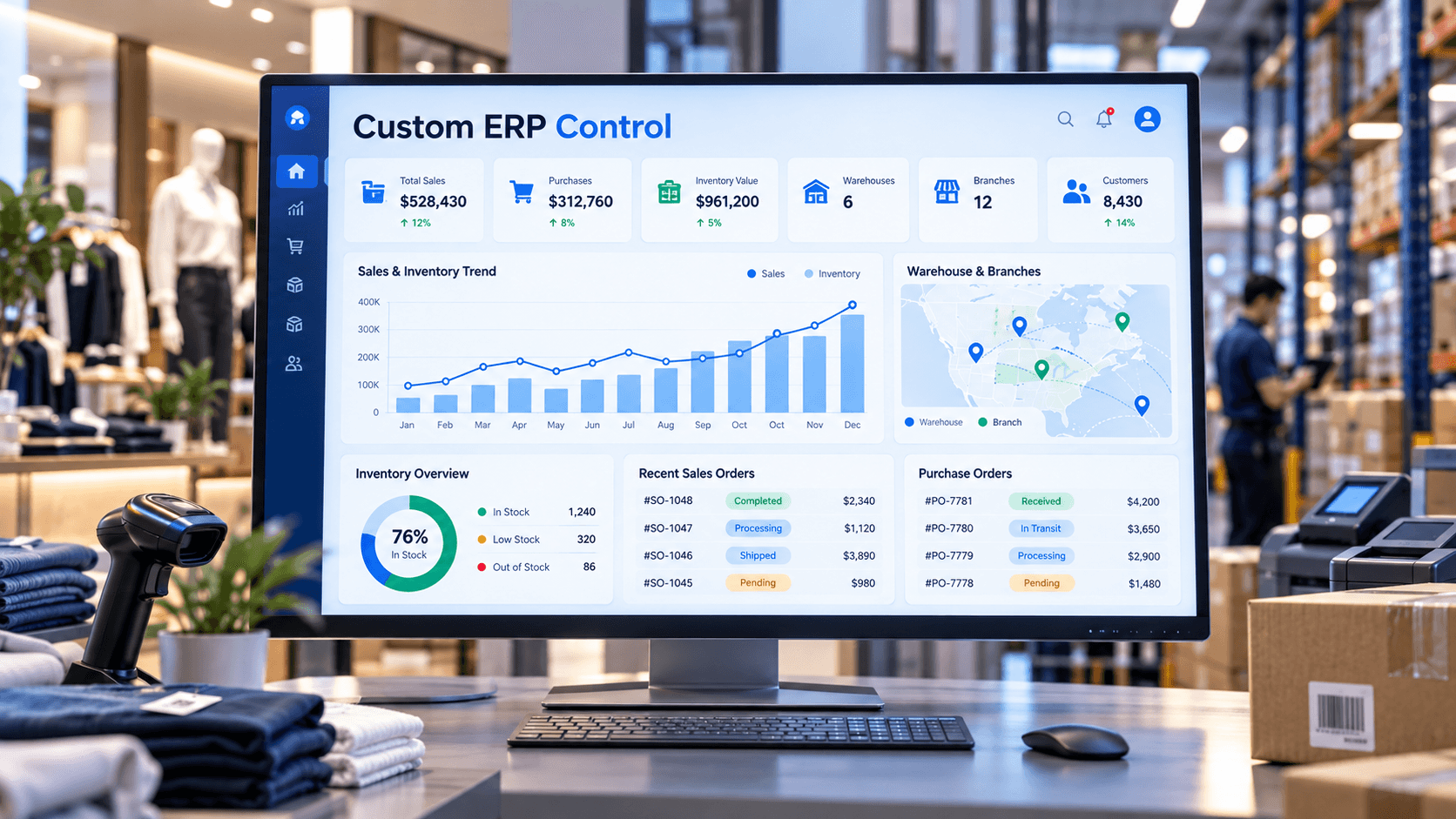
Custom ERP for Retail, Wholesale and Distribution Businesses
In This Article
- When Basic Billing Software Is No Longer Enough
- What Does Custom ERP Software Actually Do?
- Inventory ERP: Know What Stock You Have and Where
- Connect Purchasing With Inventory
- Wholesale ERP Needs Flexible Pricing and Order Workflows
- Distribution ERP Should Connect Order to Delivery
- Multi-Branch Businesses Need One View
- Reporting Should Move Beyond Exporting Excel Files
- Why Choose Custom ERP Instead of Forcing Generic Software?
- Custom ERP Is About Control, Not More Software
- Build Custom Retail ERP
Excel can manage a stock list.
Accounting software can manage accounts.
Billing software can generate invoices.
But what happens when a growing retail, wholesale or distribution business needs all of these processes to work together?
Inventory is spread across several warehouses. Sales teams use different price lists. Purchase orders are tracked separately. Branches call each other to confirm stock. Customer credit needs approval. Management waits for spreadsheets before understanding profitability.
At this stage, the problem is no longer billing.
It is business operations.
That is where custom ERP software becomes valuable connecting stock, purchasing, sales, warehouses, branches, customers and reporting around one operational system.
When Basic Billing Software Is No Longer Enough
Many businesses begin with simple software because their workflows are simple.
That is perfectly reasonable.
Problems appear when the company grows but its systems do not.
Typical warning signs include:
- Multiple Excel files for inventory and reporting
- Different stock figures across systems
- Manual purchase and sales reconciliation
- Separate software for billing, inventory and customers
- Repeated data entry between departments
- Difficulty tracking warehouse-to-warehouse transfers
- Branch managers depending on phone calls for stock availability
- Complex customer-specific prices and discounts
- Delayed management reports
- Limited visibility into profitability
If employees increasingly rely on workarounds outside the main software, the business may have outgrown its existing system.
A connected retail billing, ERP and inventory software platform can provide a stronger operational foundation for billing, stock, purchases, customers, reports and multi-location control.
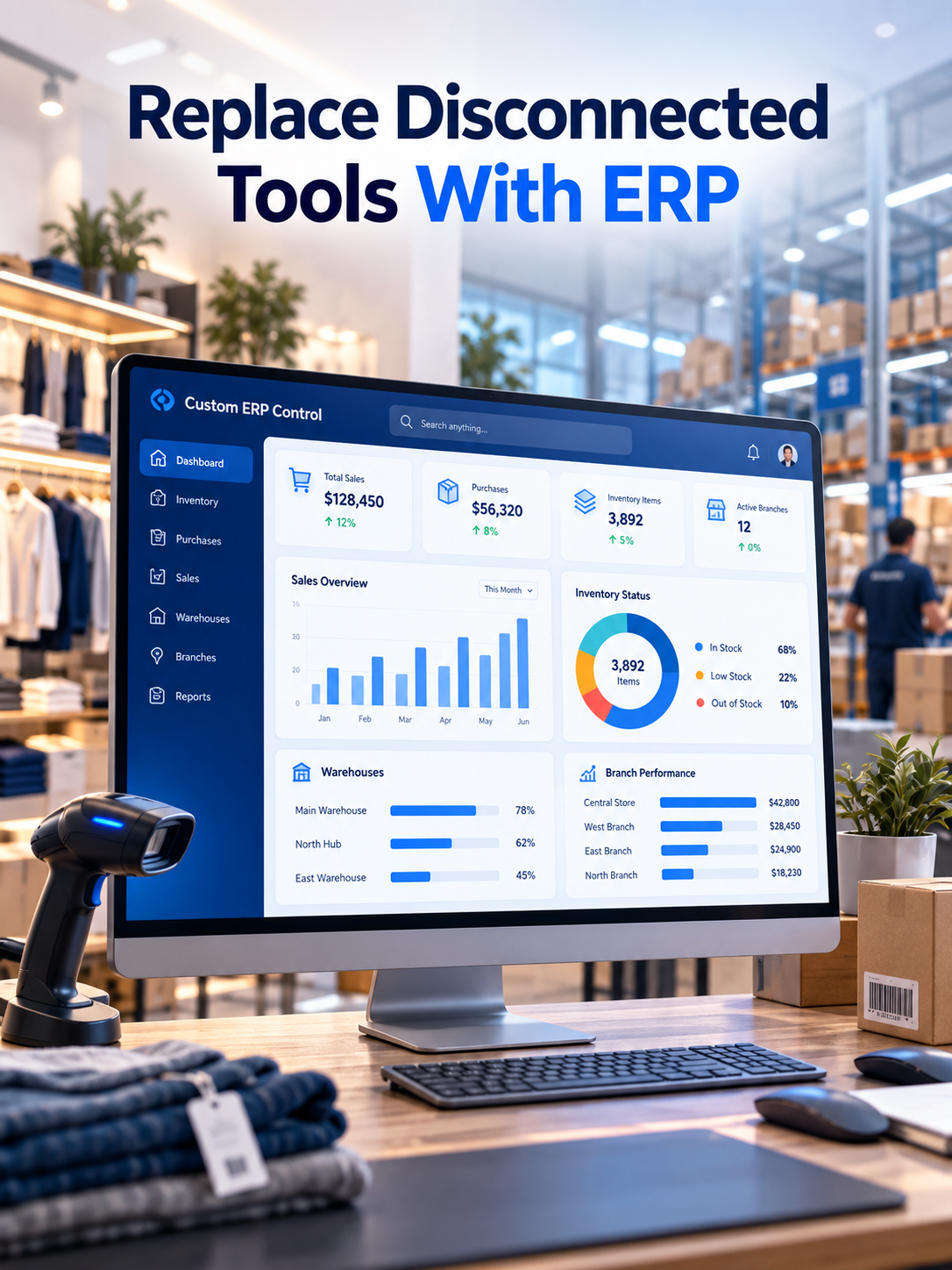
Replace Disconnected Tools With ERP
Connect inventory, purchases, sales, warehouses, branches and reports through one custom ERP built around your business operations.
What Does Custom ERP Software Actually Do?
A custom ERP brings key business processes into one connected system built around the company's actual workflows.
Instead of maintaining separate records for sales, purchases and inventory, every transaction can update the processes affected by it.
Consider a wholesale order.
The ERP can check customer pricing, available inventory and credit limits. Once approved, stock can be allocated. Warehouse staff can prepare the order. Dispatch information can be recorded. Billing can follow fulfillment. Management can then see the transaction in sales and operational reports.
The important part is not having more screens.
It is having one connected workflow from purchase to stock to sale to delivery.
Inventory ERP: Know What Stock You Have and Where
Inventory complexity grows rapidly with the business.
A company may have stock that is:
- Available at a branch
- Stored in a warehouse
- Reserved against an order
- In transit between locations
- Ordered from a supplier
- Returned by a customer
- Damaged or unavailable
- Tracked by batch, serial number or expiry
A strong inventory ERP should make those distinctions visible.
Retailers and distributors can also use reorder levels, barcode workflows, stock transfers, physical stock verification and inventory movement history to improve control.
This becomes especially important when two branches could otherwise promise the same limited inventory to different customers.
Build a Custom ERP Around Your Business Operations
Connect Purchasing With Inventory
Purchasing should not operate as a disconnected spreadsheet process.
A custom ERP can connect:
Requirement → Supplier → Purchase Order → Goods Receipt → Inventory → Payment
That creates better visibility into what was requested, what was ordered, what has arrived and what is still pending.
It also allows businesses to establish approval workflows.
For example, routine purchases may move quickly while higher-value purchases require approval from designated managers.
The objective is not bureaucracy.
It is controlled purchasing with traceable decisions.
Wholesale ERP Needs Flexible Pricing and Order Workflows
Wholesale businesses rarely operate with one simple retail price.
Different customers may receive different rates based on volume, relationship, product category, contract or payment terms.
A purpose-built wholesale ERP can support customer-specific pricing, quantity-based rates, discounts, credit limits, quotations and approval rules.
It can also connect wholesale operations with digital ordering.
Businesses that want customers or dealers to place orders online can extend ERP workflows through a B2B wholesale and distribution portal.
Instead of receiving orders through calls, messages and spreadsheets, customers can potentially access products, pricing, order history and account-specific information through structured digital workflows.
Distribution ERP Should Connect Order to Delivery
For distributors, the transaction does not end when the invoice is generated.
Products still need to be picked, packed, dispatched and delivered.
A distribution ERP can connect:
Sales Order → Stock Allocation → Warehouse → Dispatch → Delivery → Invoice → Payment
Management can see which orders are waiting for inventory, which are ready for dispatch and which have already been completed.
This reduces the operational gap between the sales team, warehouse, billing department and management.
Multi-Branch Businesses Need One View
A major reason growing companies adopt ERP is the need for centralized visibility.
Owners should not have to contact every branch before understanding today's business.
A connected ERP can provide branch-level and consolidated views of:
- Sales
- Purchases
- Inventory
- Transfers
- Outstanding orders
- Customer balances
- Product movement
- User activity
- Profitability
- Business performance
This gives management one operating view without removing branch-level accountability.
Plan Your Retail ERP With Our Software Experts
Reporting Should Move Beyond Exporting Excel Files
If every important business question requires someone to prepare a spreadsheet first, decisions are already delayed.
ERP dashboards can make operational information available closer to real time.
Management should be able to ask:
Which products are selling fastest?
Where is inventory accumulating?
Which items need replenishment?
Which customers have outstanding payments?
Which branches are performing best?
What orders are pending?
How are purchases affecting stock and cash?
Which categories generate stronger margins?
For businesses ready to go further, AI can also support demand analysis, stock recommendations and management insights. The AI-powered retail intelligence approach illustrates how operational retail data can become a foundation for smarter analysis rather than just historical reporting.
Why Choose Custom ERP Instead of Forcing Generic Software?
Ready-made ERP products can be excellent when business processes closely match the software.
Custom development becomes worth considering when the company has important workflows that generic software continuously forces employees to work around.
That may include:
- Specialized inventory logic
- Complex wholesale pricing
- Dealer or distributor workflows
- Multiple warehouses
- Custom approval chains
- Industry-specific product attributes
- Existing accounting integrations
- B2B portals
- Mobile field-sales workflows
- Unique management reports
- eCommerce integrations
- Custom automation
In such cases, custom software development allows the system architecture to follow the business instead of repeatedly forcing the business to follow software limitations.
Custom ERP Is About Control, Not More Software
Growing businesses rarely need another isolated application.
They need fewer operational gaps.
The goal of custom ERP development for retailers, wholesalers and distributors is to create one connected operating environment where purchasing affects inventory, inventory affects sales, sales affect fulfillment and every transaction improves management visibility.
If Excel files, disconnected billing applications and manual reconciliation are becoming part of everyday operations, the question may no longer be whether the existing software still works.
The better question is:
Can it support the next stage of the business?
Build Custom Retail ERP
Connect inventory, purchases, sales, warehouses, branches, customers, approvals and management reporting through an ERP designed around how your business actually operates.
Frequently Asked Questions
What is custom ERP software?
Custom ERP software is a business management platform designed around a company's specific workflows. It can connect inventory, purchases, sales, warehouses, branches, customers, approvals and reporting through one operational system.
When should a retail business move to ERP software?
A retailer should consider ERP when spreadsheets, basic billing tools or disconnected systems make it difficult to manage inventory, purchasing, branches, customer data, approvals and reporting accurately.
What is retail ERP software?
Retail ERP software connects POS or billing with inventory, purchasing, suppliers, customers, warehouses, branches, transfers and management reporting so retail operations can be controlled from one system.
What is wholesale ERP software?
Wholesale ERP software manages bulk sales, customer-specific pricing, quotations, purchase orders, inventory, warehouses, credit workflows, order fulfillment and reporting for wholesale businesses.
What does distribution ERP software manage?
Distribution ERP software can manage sales orders, inventory allocation, warehouse operations, picking, packing, dispatch, delivery, invoicing, payments and branch or warehouse reporting.
How does inventory ERP software improve stock management?
Inventory ERP can provide centralized visibility into available, reserved, incoming, transferred, returned and low-stock inventory across warehouses and branches while maintaining stock movement history.
Can custom ERP replace Excel-based inventory management?
Yes. Custom ERP can replace many spreadsheet-based workflows by maintaining centralized inventory, purchasing, sales and reporting data with automated calculations, permissions and transaction history.
Can custom ERP integrate with existing accounting or billing software?
Yes. A custom ERP can be designed to integrate with existing accounting, billing, eCommerce, POS, payment, logistics or other business systems through supported APIs and data integrations.
Why choose custom ERP instead of ready-made ERP software?
Custom ERP is useful when a business has specialized pricing, approval rules, inventory logic, multiple warehouses, industry-specific workflows or integrations that standard ERP products cannot support efficiently.
Can ERP software support multiple branches and warehouses?
Yes. ERP software can provide branch-wise and warehouse-wise inventory, sales, purchasing, stock transfers, user access and consolidated reporting from a centralized platform.