Sitecore AI
Smarter Workflows, More Control on Agents, Spaces: What’s New inSitecoreAI’s March Release
SSaurav Kumar4 Min Read
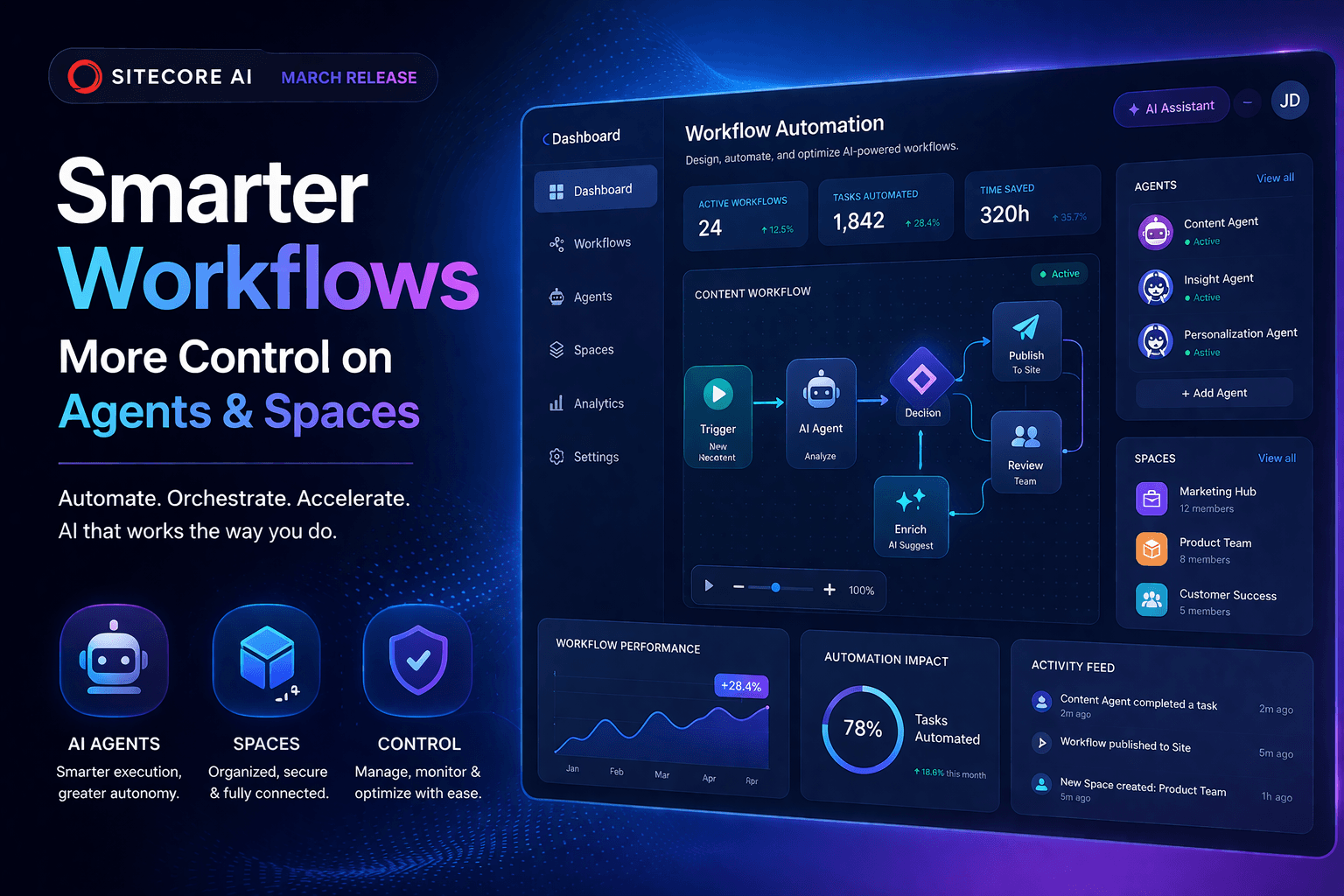
As someone familiar with content creation tools utilizing artificial intelligence, you’re likely aware of the true value of these tools: not just the ability to create content, but the ability to do so in a seamless, intuitive manner that becomes an integral part of your workflow. This is precisely what SitecoreAI’s March 2026 release hopes to improve.
In the new release of Agentic Studio, the focus has been on the following: working directly with your content, more control over agents, and the ability to create more connected workflows. Let’s dive in further to what all these mean.
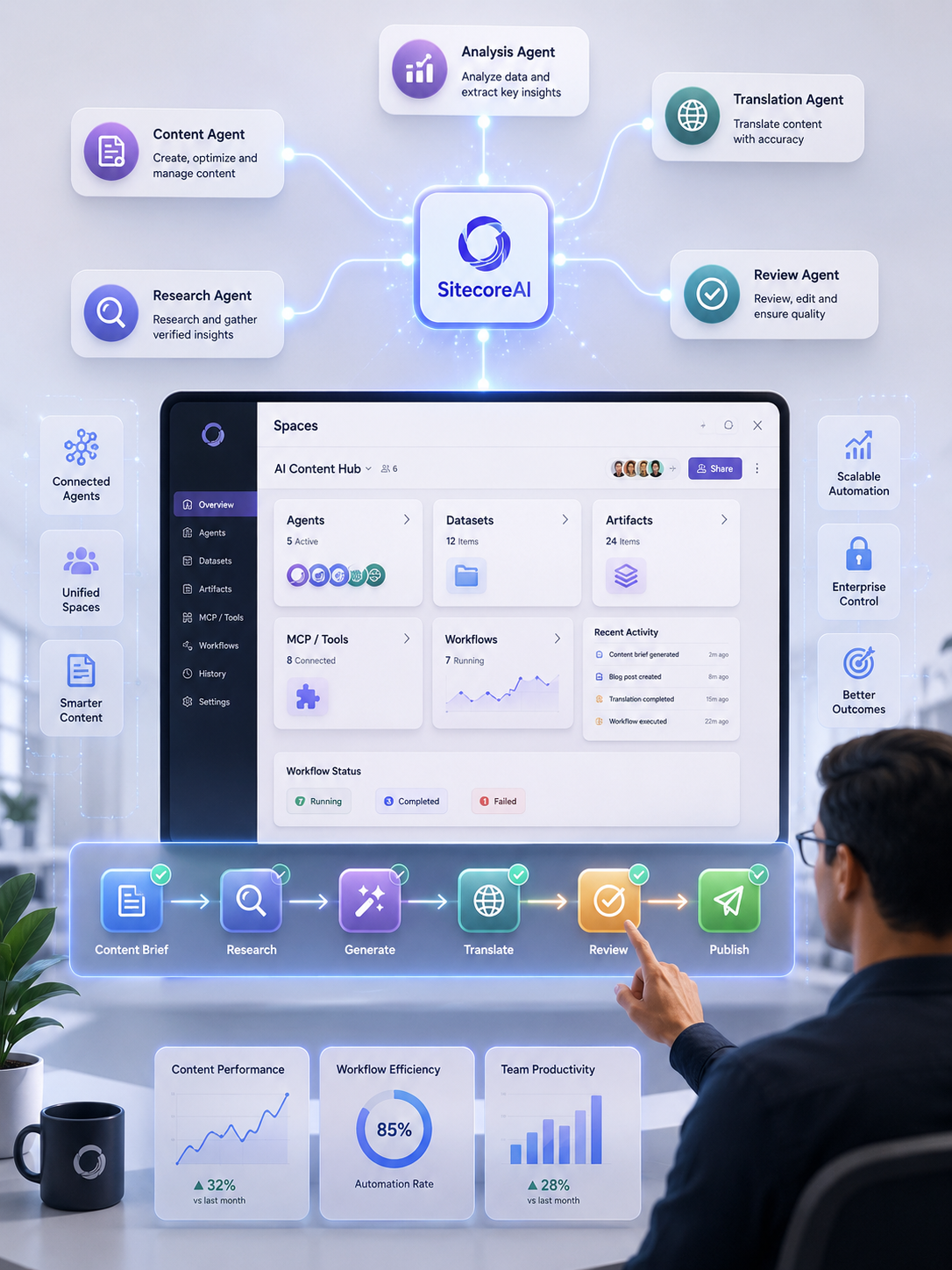
Build smarter SitecoreAI workflows with customizable agents, connected Spaces, content-aware automation, and scalable orchestration designed for modern enterprise content operations.
One of the most notable features of the new release is the ability of agents to interact directly with content.
In the past, you would need to jump back and forth between different tools in the platform in order to run agents on content, which can be frustrating, especially when dealing with large amounts of content. Now, you can run agents directly on content, including pages, briefs, artifacts, or even CSVs.
For instance, you can upload a CSV of different accounts or products, allowing agents to create content specifically designed for each one.
But it’s not just about the quantity of content, but the quality as well, since agents are able to recognize the content they are working on, allowing them to create more appropriate content.
In addition, you can control the agent run in the chat interface, including the ability to define the context, skills, and tools/integrations, including MCPs, which allows each agent run to be more unique rather than generic.
You are no longer restricted to these predefined configurations. You can now create and configure your own agents according to your exact requirements. Whether you need a simple content generator or something a bit more complex, you can define the instructions, assign the tools, and even specify the skills required for the task, and also the output format.
There is also a feature for workflow-based agents, which can trigger other agents, use an external API, or even an internal tool. This is also a bit more complex and is therefore useful for those who need a bit more automation power.
Finally, to make everything a bit more organized, there is a new section called Settings that brings everything together, including tools, skills, templates, schema, and even user management. It may seem like a minor change, but this is actually a huge improvement, especially if you are working on multiple workflows at a time.
There are also predefined skills such as campaign planning, competitive analysis, and even CSV processing that are ready to use right off the bat. But if these are still not exactly what you need, then you can also create your own skills.
Another interesting feature is the use of schema and templates, which means that you no longer need to start from scratch every time and can ensure that everything is consistent and follows a particular pattern or output.
Finally, testing is also a bit clearer, and this is a huge help because, let’s face it, debugging is never fun, especially if you are still new to all this.
If agents are the building blocks, then “spaces” is where everything is brought together.
You can use spaces to organize and run your workflows that involve multiple agents, datasets, and steps, all in one place. You can define the input, choose the agent, and run the process, and this means that everything flows smoothly, even if you are working on something a bit more complex, such as a project that goes from research to content creation to even translation.
All within a single, connected workflow.
Spaces can also help with visibility. You can monitor your outputs/artifacts, organize them per step or agent, and see what’s been completed and what still needs work. Status updates help teams collaborate without confusion.
The user interface itself has been improved.
Now, running agents, workflows, or spaces follows a standard pattern: inputs, parameters, context, and items will always be where you expect them to be. This makes it easier to run them.
Spaces have been redesigned with multiple views:
→ Classic view for structured navigation
→ Chat view for chat-based workflows
→ Canvas view for a more free-form arrangement
A side panel for agents and instructions helps you stay organized without cluttering your workspace.
This release is more than just a collection of new features. It’s a step closer to making AI more usable for your content operations.
You now have a system where:
→ Agents understand your content
→ Workflows are connected, start-to-finish
→ Teams can standardize and scale their operations
In other words, SitecoreAI is moving from “AI that helps you write” to “AI that helps you operate.”
And for teams dealing with large volumes of content, this can be a game-changer.
SitecoreAI’s March 2026 release introduces more customizable agents, direct agent execution on content, flexible multi-step workflows, reusable skills and tools, and Spaces for coordinating agents, datasets, artifacts, and workflows.
SitecoreAI Agentic Studio is a workspace for building, configuring, and running AI agents and workflows for marketing and content operations. It enables teams to combine AI agents, context, tools, skills, and workflows in a centralized environment.
Yes. SitecoreAI agents can work directly with items such as pages, briefs, artifacts, and CSV files, allowing teams to process selected content and generate outputs based on defined parameters.
Yes. SitecoreAI allows teams to create and configure custom agents with instructions, tools, skills, context, and defined output formats to match specific business and content workflows.
Spaces are collaborative work areas in SitecoreAI where teams can organize multiple agents, datasets, artifacts, inputs, and workflows. They are designed to support larger, connected content operations.
Yes. SitecoreAI Spaces allow multiple agents to be chained together in sequence, enabling workflows such as research, content generation, translation, review, and other multi-step processes.
SitecoreAI agents can support workflows involving research, content generation, analysis, translation, review, campaign planning, competitive analysis, structured data processing, and other repeatable content operations.
Agent skills provide reusable capabilities for specific tasks, while tools and MCP integrations give agents access to additional functions and context. SitecoreAI also allows teams to configure the tools and skills available to individual agents.
SitecoreAI connects agents, content, workflows, tools, datasets, and artifacts in a unified environment. This helps enterprises automate repeatable tasks while maintaining workflow visibility, context, collaboration, and greater control over AI execution.
The release moves SitecoreAI beyond isolated AI-generated outputs toward connected, repeatable workflows. Marketers can customize agents, work directly with content, coordinate multiple agents, and manage larger content operations through Spaces.