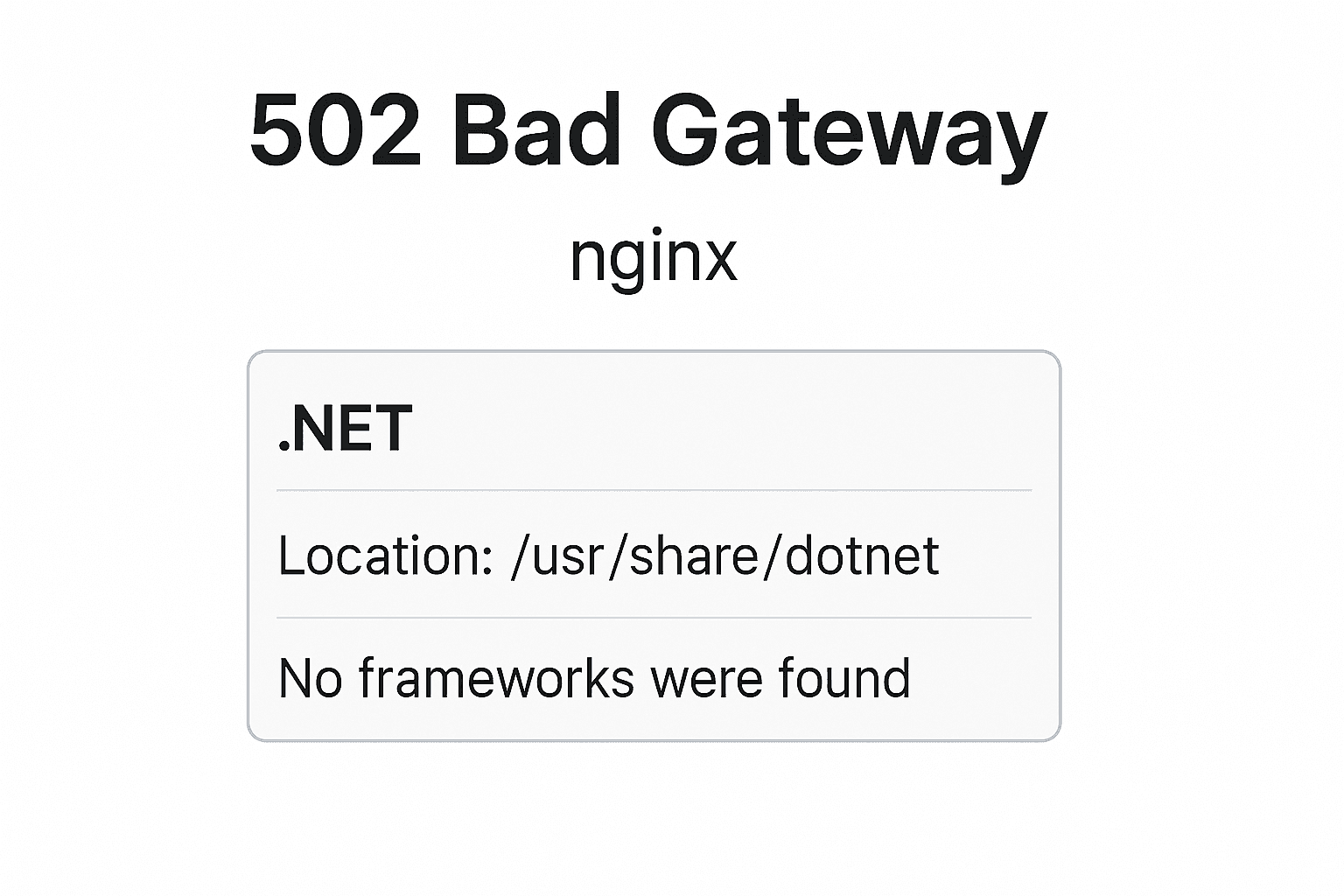
502 bad gateway nginx | .NET location: /usr/share/dotnet No frameworks were found
You must install or update .NET to run this application.
Architecture: x64
Framework: ‘Microsoft.AspNetCore.App’, version ‘8.0.0’ (x64)
.NET location: /usr/share/dotnet No frameworks were found.
Learn about framework resolution:
https://aka.ms/dotnet/app-launch-failed
Solution:
Build Error-Free, Production-Ready .NET Applications
Steps1:
sudo apt remove dotnet*
sudo apt remove aspnetcore*
sudo apt remove netstandard*
sudo rm /etc/apt/sources.list.d/microsoft-prod.list
sudo apt update
sudo apt install dotnet-sdk-8.0
Step2:
1.First, add Microsoft’s package signing key to your list of trusted keys and add the package repository:
wget https://packages.microsoft.com/config/ubuntu/22.04/packages-microsoft-prod.deb -O packages-microsoft-prod.deb
sudo dpkg -i packages-microsoft-prod.deb
2.Install the .NET SDK (which includes the runtime and frameworks):
sudo apt-get update
sudo apt-get install -y dotnet-sdk-8.0
NET 8 runtime is available, here’s how you can install it:
3.Add Microsoft’s package repository if you haven’t already:
wget https://packages.microsoft.com/config/ubuntu/22.04/packages-microsoft-prod.deb -O packages-microsoft-prod.deb
sudo dpkg -i packages-microsoft-prod.deb
4.Install the .NET runtime:
sudo apt-get update
sudo apt-get install -y dotnet-runtime-8.0
dotnet –list-runtimes
dotnet –list-sdks
//Check the app runing logs:
sudo journalctl -u your-app.service -b
Frequently Asked Questions
What is 502 bad gateway nginx | .NET location: /usr/share/dotnet No frameworks were found?
Facing "502 Bad Gateway NGINX" with ".NET location: /usr/share/dotnet – No frameworks were found"? Learn how to fix missing .NET 8.0 runtimes on Linux servers and get your app running again.