Contentful, WordPress or AEM to Sanity CMS Migration Guide
In This Article
Many US and UK businesses reach a point where their current CMS no longer supports the speed, flexibility and content experience they need.
Marketing teams wait too long for developers. Developers struggle with rigid templates. Website performance drops. Content is duplicated across pages, apps and regions. SEO teams worry about broken URLs, missing metadata and slow publishing workflows. Leadership wants a better digital experience, but the existing CMS keeps slowing everything down.
That is when businesses start looking for Sanity CMS migration services.
Migrating from WordPress, Contentful, AEM, a legacy CMS or a custom-built content system to Sanity CMS can help businesses move toward a more structured, scalable and future-ready content platform. Instead of treating content as fixed pages, Sanity allows teams to manage structured content that can power websites, landing pages, mobile apps, ecommerce experiences, internal tools and AI-driven systems.
For US and UK businesses planning a CMS migration, the goal should not only be “move content.” The goal should be to protect SEO, improve speed, simplify content operations and build a stronger foundation for future growth.
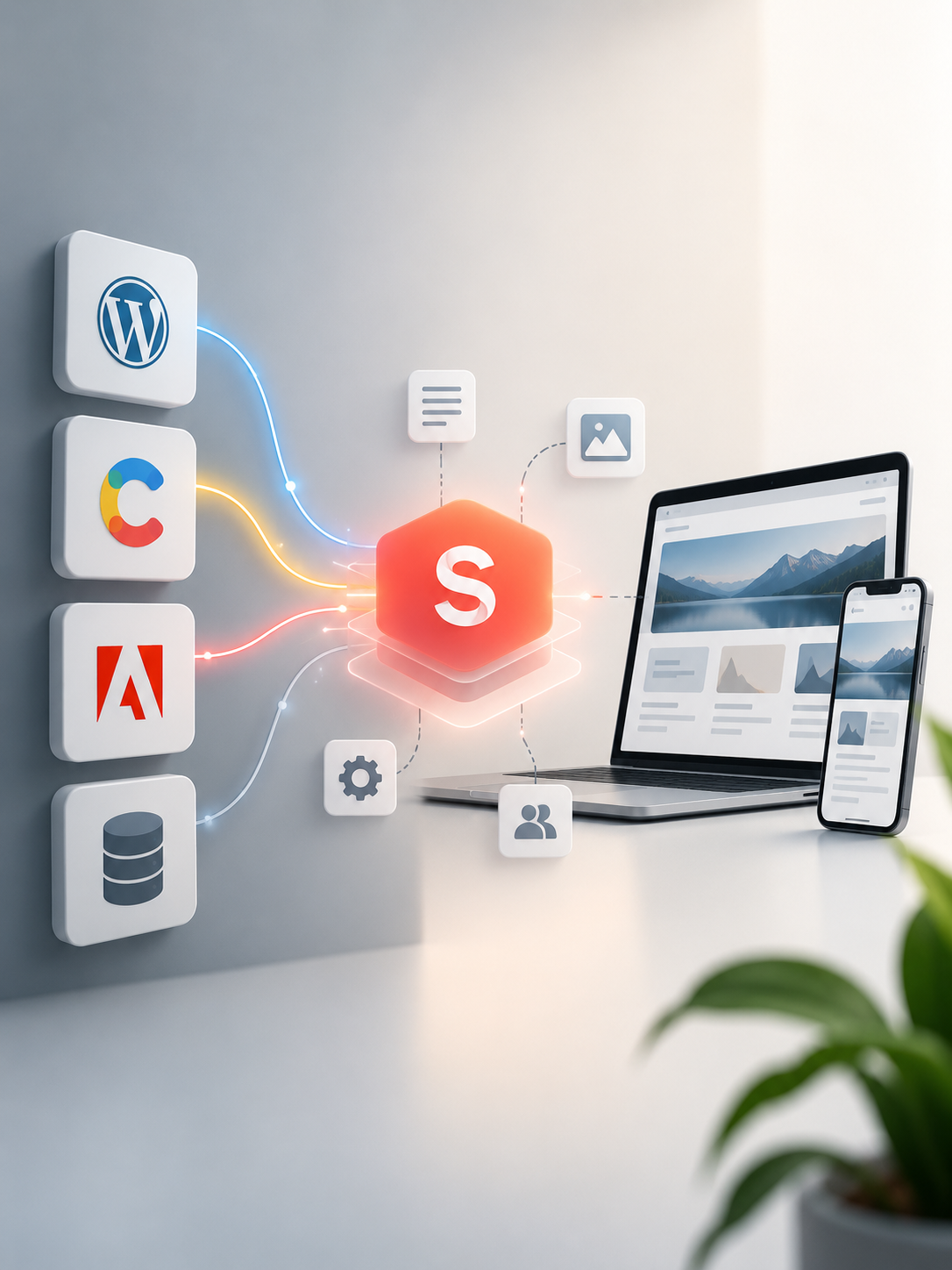
Migrate to Sanity Safely
Move from WordPress, Contentful, AEM or legacy CMS to Sanity with SEO-safe migration, structured content and Next.js performance.
When Should a Business Migrate to Sanity CMS?
A business should consider migrating to Sanity CMS when the current CMS creates operational, technical or growth limitations.
Common signs include slow publishing, too much developer dependency, poor page speed, difficult landing page creation, messy content structures, weak preview workflows, limited API flexibility, expensive maintenance, poor multilingual support or difficulty reusing content across multiple channels.
For example, a SaaS company may want one content platform for website pages, help center content, product updates and AI search. A healthcare company may need controlled content workflows, provider pages, service pages and location-based content. A retail business may need product storytelling, campaign pages and headless commerce integration.
Sanity CMS is especially useful when content needs to be reusable, structured and delivered across multiple digital touchpoints.
Planning a CMS Migration? Let Our Sanity Experts Guide You
Common Problems With Legacy CMS Platforms
Traditional CMS platforms often work well in the beginning. But as the business grows, the problems become visible.
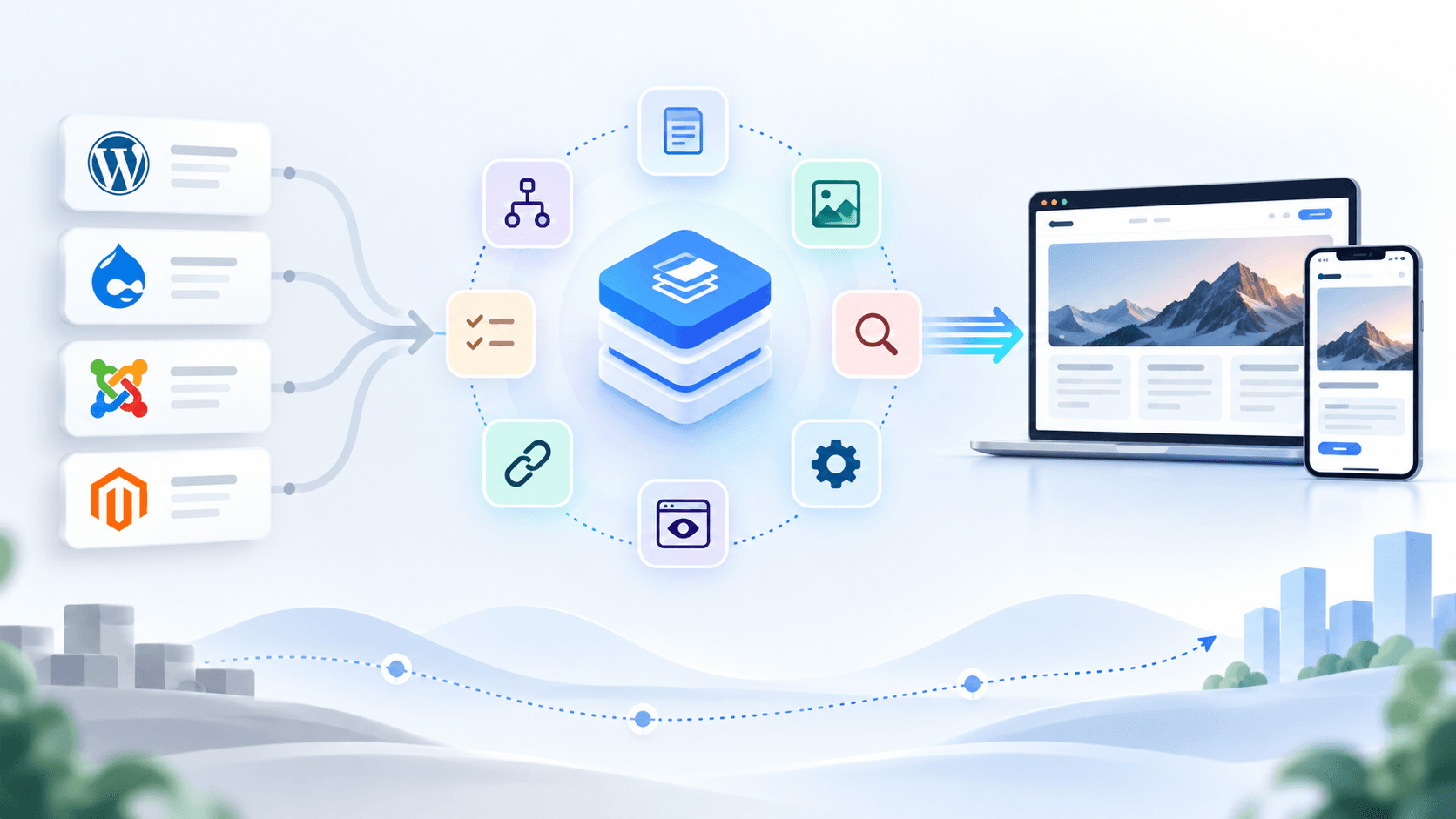
WordPress can become plugin-heavy, slow and difficult to scale for complex content workflows. Contentful can work well for headless content, but some teams may need more flexible Studio customization, developer control or structured editorial workflows. AEM can support enterprise needs, but many businesses find it expensive, complex and slower to operate without specialized teams.
Custom CMS platforms create another problem: they may depend on one developer or internal team. Over time, updates become risky, documentation becomes weak and content teams cannot move without technical help.
A modern CMS migration should solve these problems by improving content structure, frontend performance, editorial experience, SEO control and long-term maintainability.
WordPress to Sanity Migration
A WordPress to Sanity migration is a good option when a business wants to move away from plugin dependency and create a faster, more scalable content platform.
The migration usually starts with a content audit. Existing pages, posts, categories, tags, authors, media files, SEO metadata and URLs are reviewed. Then the content model is redesigned inside Sanity.
Instead of copying WordPress pages exactly as they are, the better approach is to convert content into reusable blocks such as hero sections, service cards, FAQs, testimonials, case studies, CTAs, pricing sections and SEO fields.
For frontend, many businesses choose Sanity with Next.js because it allows fast page loading, better control over SEO, flexible design and modern deployment.
Recommended backlink: For implementation support, explore Sanity CMS development services.
Contentful to Sanity Migration
Contentful to Sanity migration is usually more strategic than basic content transfer.
Both platforms are headless, so the main focus becomes content model improvement, editorial workflow, API structure, frontend integration and developer experience. The migration should check existing content types, references, assets, locales, slugs, SEO fields and publishing rules.
Many businesses use this migration as an opportunity to simplify content models. Unused fields can be removed, repeated content types can be merged and new structured content models can be created for landing pages, blogs, case studies, service pages, ecommerce content or AI-ready content.
The key is to avoid recreating old complexity in a new CMS. The migration should make the content platform cleaner, faster and easier to manage.
For businesses already planning a headless architecture, this should connect naturally with headless CMS development services.
AEM or Enterprise CMS to Sanity Migration
AEM to Sanity migration is often chosen when businesses want to reduce complexity, modernize content operations or move toward a composable digital experience platform.
Enterprise CMS migration needs careful planning. Large websites may have hundreds or thousands of pages, multiple languages, user roles, approval workflows, integrations, media assets, analytics, forms and SEO rules.
The migration should happen in phases. First, high-value pages should be moved. Then blogs, case studies, landing pages, resources and location pages can follow. This reduces risk and allows teams to validate the new content model before a complete migration.
Sanity can become the structured content layer while the frontend is built using modern frameworks like Next.js. This is helpful for businesses that want faster websites, flexible page building, omnichannel content delivery and easier content management.
For Sanity + frontend implementation, link users to Sanity Next.js development services.
Move From Legacy CMS to Sanity Without SEO Risk
Sanity CMS Migration Checklist
A successful migration needs more than exporting and importing content.
Start with a full content audit. Identify which pages should be migrated, merged, rewritten, redirected or removed. Then map existing content fields to the new Sanity schema.
Next, protect SEO. This includes URL mapping, 301 redirects, meta titles, descriptions, canonical tags, image alt text, structured data, sitemap updates and internal links.
Then plan the technical setup: Sanity Studio configuration, content types, reusable sections, preview mode, media migration, role-based access, frontend integration, deployment and testing.
A practical migration checklist should include:
Content audit, content model planning, media migration, SEO metadata, URL redirects, schema setup, frontend integration, preview setup, QA testing, performance testing, analytics setup and editor training.
Cost, Timeline and Risk Reduction
Sanity CMS migration cost depends on website size, number of content types, content quality, SEO complexity, frontend rebuild, integrations, multilingual requirements and approval workflows.
A small marketing website may migrate faster. A large enterprise website with multiple page templates, integrations, redirects and content workflows needs deeper planning.
To reduce risk, avoid migrating everything blindly. Start with important pages first: homepage, service pages, landing pages, blogs that drive traffic, case studies and conversion pages. Then move secondary content after validation.
The best migration approach is phased, SEO-safe and conversion-focused.
Planning to migrate your website or content platform to Sanity CMS?
Murmu Software Infotech helps US and UK businesses migrate from WordPress, Contentful, AEM, legacy CMS and custom CMS platforms to Sanity CMS with structured content modelling, Next.js frontend development, SEO-safe migration, redirects, preview setup and long-term support.
Also explore: Sanity CMS Development Services
CMSMigration, SanityCMS, WordPressMigration, Contentful, HeadlessCMS
Frequently Asked Questions
What is Sanity CMS migration?
Sanity CMS migration is the process of moving content, media, metadata, URLs, redirects and content structures from platforms like WordPress, Contentful, AEM, legacy CMS or custom CMS into Sanity CMS.
Why should businesses migrate to Sanity CMS?
Businesses migrate to Sanity CMS to improve content flexibility, website speed, structured content management, developer experience, frontend performance, SEO control and omnichannel content delivery.
Can I migrate from WordPress to Sanity CMS?
Yes. WordPress websites can be migrated to Sanity CMS by auditing pages, posts, categories, media, SEO fields and URLs, then rebuilding the content model inside Sanity with a modern frontend such as Next.js.
Can Contentful be migrated to Sanity CMS?
Yes. Contentful content types, entries, assets, references, locales, slugs and metadata can be mapped into Sanity schemas and migrated with proper planning, validation and frontend integration.
Is Sanity CMS suitable for AEM migration?
Sanity CMS can be suitable for businesses moving away from complex enterprise CMS platforms like AEM when they want a flexible headless architecture, structured content, faster publishing and reduced operational complexity.
Will Sanity CMS migration affect SEO?
Sanity CMS migration can affect SEO if URLs, metadata, redirects, canonical tags, internal links and structured data are not handled properly. A planned migration protects rankings using SEO-safe redirect and metadata mapping.
How long does a Sanity CMS migration take?
The timeline depends on website size, content volume, number of templates, integrations, SEO complexity, multilingual requirements and frontend rebuild scope. Small websites may take a few weeks, while enterprise migrations need phased planning.
What should be included in a Sanity CMS migration checklist?
A Sanity CMS migration checklist should include content audit, schema planning, media migration, SEO metadata, URL mapping, 301 redirects, preview setup, frontend integration, QA testing, performance checks and editor training.
Can Sanity CMS work with Next.js?
Yes. Sanity CMS works very well with Next.js for fast, SEO-friendly, scalable websites. Businesses use Sanity as the content backend and Next.js as the frontend for modern web experiences.
Who provides Sanity CMS migration services for US and UK businesses?
Murmu Software Infotech provides Sanity CMS migration services for US and UK businesses, helping teams migrate from WordPress, Contentful, AEM, legacy CMS and custom CMS platforms to Sanity with SEO-safe planning and Next.js development.