How to create cshtml page in Asp.Net Core
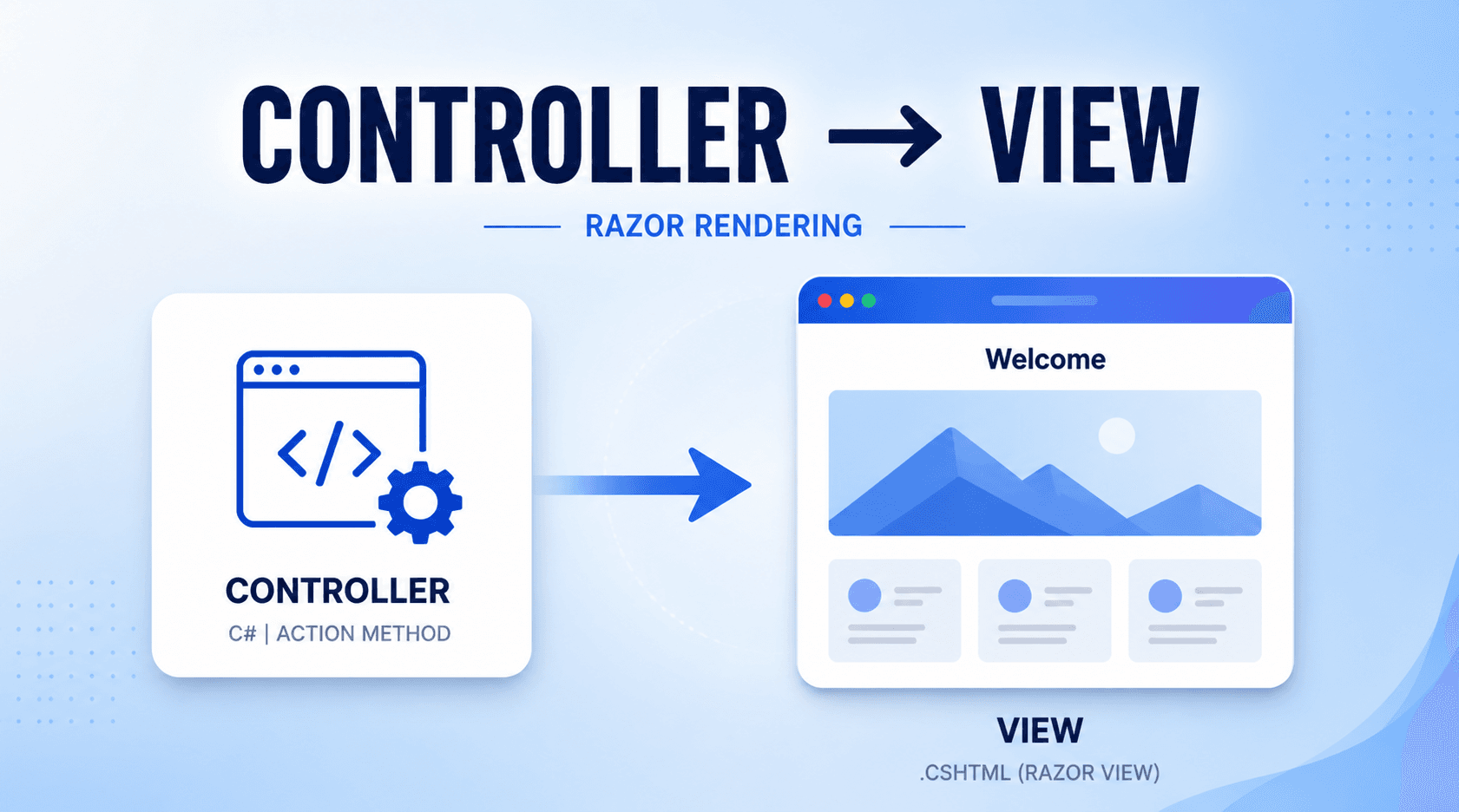
Step:1
Create a new project in visual studio. Select ASP.NET Core(Model, View, Controller) template. Name your project as you want and set your location.
Step:2
Once your project is created the solution will look like as below image:
Here in my case my project name is Matdarshan. You can set all the static files like css, js, img, mail etc within the wwwroot folder.
Step:3
Create a controller by right clicking on controller folder. Select add and then choose controller. Select empty controller and name your controller name. In my case my controller name is Home. Open Home controller. You will see the default action method Index as below image.
Step:4
Build Scalable & Dynamic Web Apps with Razor Pages
Add views to the Index method. Right click in Index action method and select Views. Then choose Razor View and click ok button.
Step:5
Once Views are added the Index view cshtml page will auto created inside the Views folder.
Note- Let us make a diferent action method within the same controller.
Step:6
Create Blog action method. And add views to this action method. Here action method is written different from the asp dot net mvc. Notice that I have written IActionResult before the action method name instead of ActionResult.
Step:7
Open Blog.cshtml page. Here you can code as your requirement. This page is quite similar to the HTML page. Only the difference is that this is a razor page that supports c# language. Here I have coded something in this Blog.cshtml page.
Notice that there is no body tag, no style tag. All these tags must be included in the Layout page. The Layout page contains Header, Footer Meta tag, Style tag, Body tag etc. You can add here the CSS file and JS file link directly from the bootstrap. This helps you to copy any codes from the Bootstrap directly.
Both these links must be added to the Layout page.
Step:8
Now at last build the project and run it. You can simply press Function key+F5. You can also click on the green button shown below.
Frequently Asked Questions
What is How to create cshtml page in Asp.Net Core?
Learn how to create a CSHTML page in ASP.NET Core using Visual Studio. Start by selecting the MVC project template, name your project, and begin building views with Razor syntax.