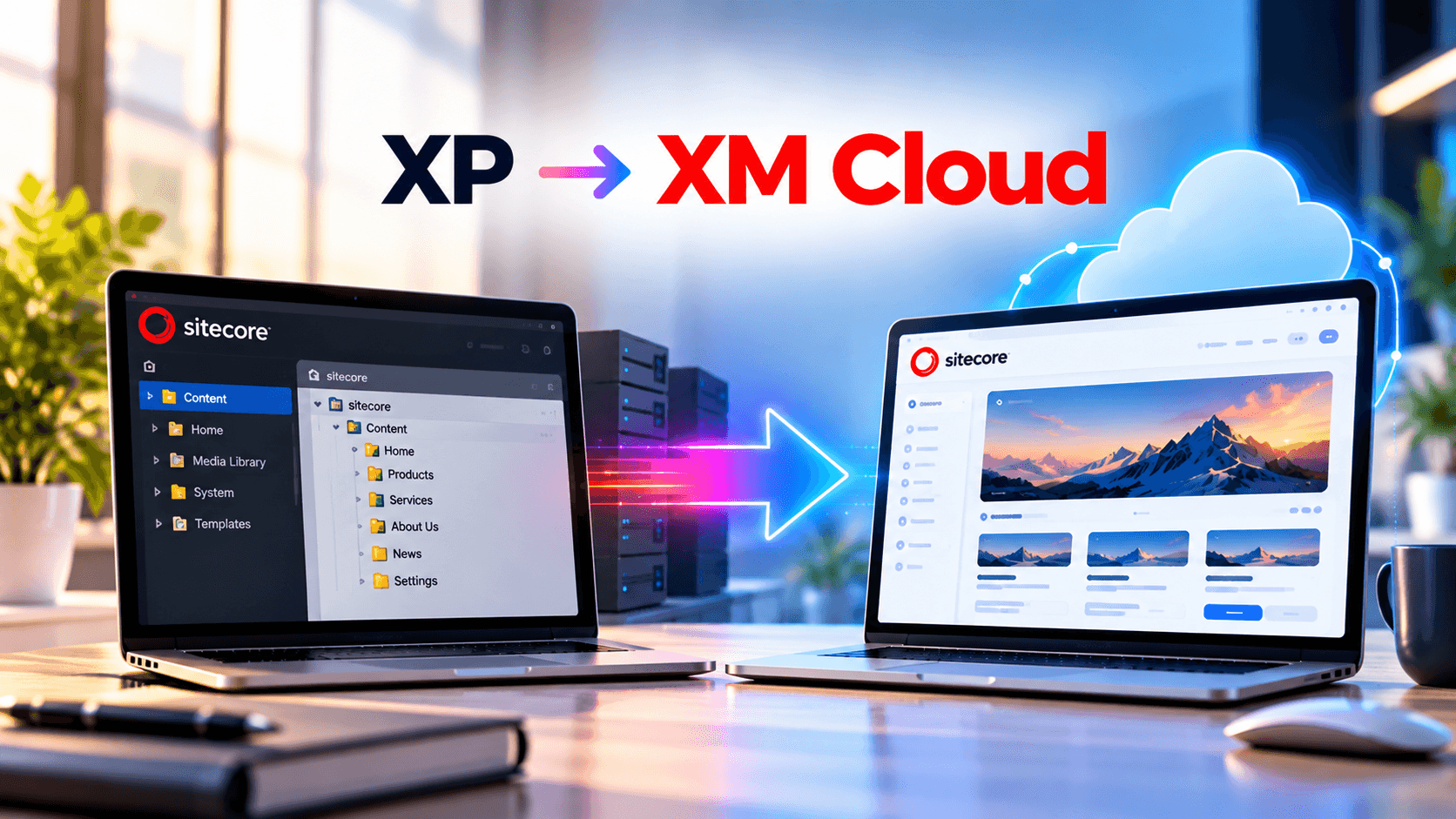
Sitecore XM Cloud Migration A Practical 2026 Guide for Moving Off Sitecore XP
In This Article
- First, a Quick Note on the Name
- Should You Upgrade XP First, Then Migrate?
- What Actually Changes When You Move to XM Cloud
- A Real Example: Michigan State University
- Big-Bang vs Incremental Migration: Which One Fits?
- Step-by-Step Sitecore XM Cloud Migration Plan
- Common Mistakes That Make Migrations Run Over
- How Long and How Much?
- How Murmu Software Infotech Helps with Sitecore XM Cloud Migration
- Quick Migration Readiness Checklist
- Frequently Asked Questions
Most companies don't migrate to Sitecore XM Cloud because they're excited about new technology. They migrate because something forces the decision: support is ending, hosting bills keep climbing, or every small change needs a developer and a deployment window.
If that sounds familiar, this guide will help you understand what a Sitecore XM Cloud migration actually involves, what usually goes wrong, how long it takes, and how to plan it so your site doesn't lose traffic or functionality along the way.
First, a Quick Note on the Name
You'll see two names for the same product. SitecoreAI is the new name for XM Cloud, Sitecore's SaaS CMS. Most documentation, job posts, and agency pages still say XM Cloud, so we use both here. Same platform, same migration.
Should You Upgrade XP First, Then Migrate?
This is one of the most common and most expensive mistakes.
Sitecore's own developer guidance is direct: because XM Cloud and traditional XM/XP MVC architectures are so different, there is no benefit in efficiency, cost, or stability to upgrading your XM or XP platform before migrating.
In plain terms: if you've already decided on XM Cloud, don't spend six months upgrading 9.3 to 10.4 first. That budget is better spent on the migration itself.
The exception is when you genuinely need more time. If XM Cloud isn't realistic for another two or three years, upgrading to 10.4 buys you a supported runway.
Move to XM Cloud Safely
Protect SEO, rebuild Next.js components, migrate content and modernize Sitecore architecture with a carefully planned XM Cloud migration strategy.
What Actually Changes When You Move to XM Cloud
This is where expectations need resetting. A Sitecore XM Cloud migration is closer to a rebuild of your front end than a copy-and-paste upgrade.
1. Your front end gets rebuilt
XM Cloud is headless, so traditional MVC Sitecore components must be rebuilt. If your site is built with MVC on XP, very little of the current HTML/CSS can be reused. Most teams rebuild in Next.js.
2. Content is delivered differently
In XM Cloud, all content is delivered through GraphQL APIs via Experience Edge. There's no traditional CD server sitting behind your site anymore.
3. Personalization doesn't move over as-is
This is the one that surprises marketing teams. Personalization from XP doesn't migrate one to one; XM Cloud includes a limited version of Personalize, not XP's functionality. Any significant amount of personalization needs a separate Personalize subscription. XP supports multi-session personalization, while XM and XM Cloud work with in-session personalization.
4. xDB dependencies have to go
To move properly, you need to remove all dependencies on xDB and XP's marketing features. That includes analytics, goals, and anything built on xDB.
5. Custom modules and deployment change
You can't install modules in XM Cloud the way you did on XM or XP, and existing deployment processes need complete restructuring.
None of these are deal-breakers. They're just the things that blow up budgets when nobody planned for them.
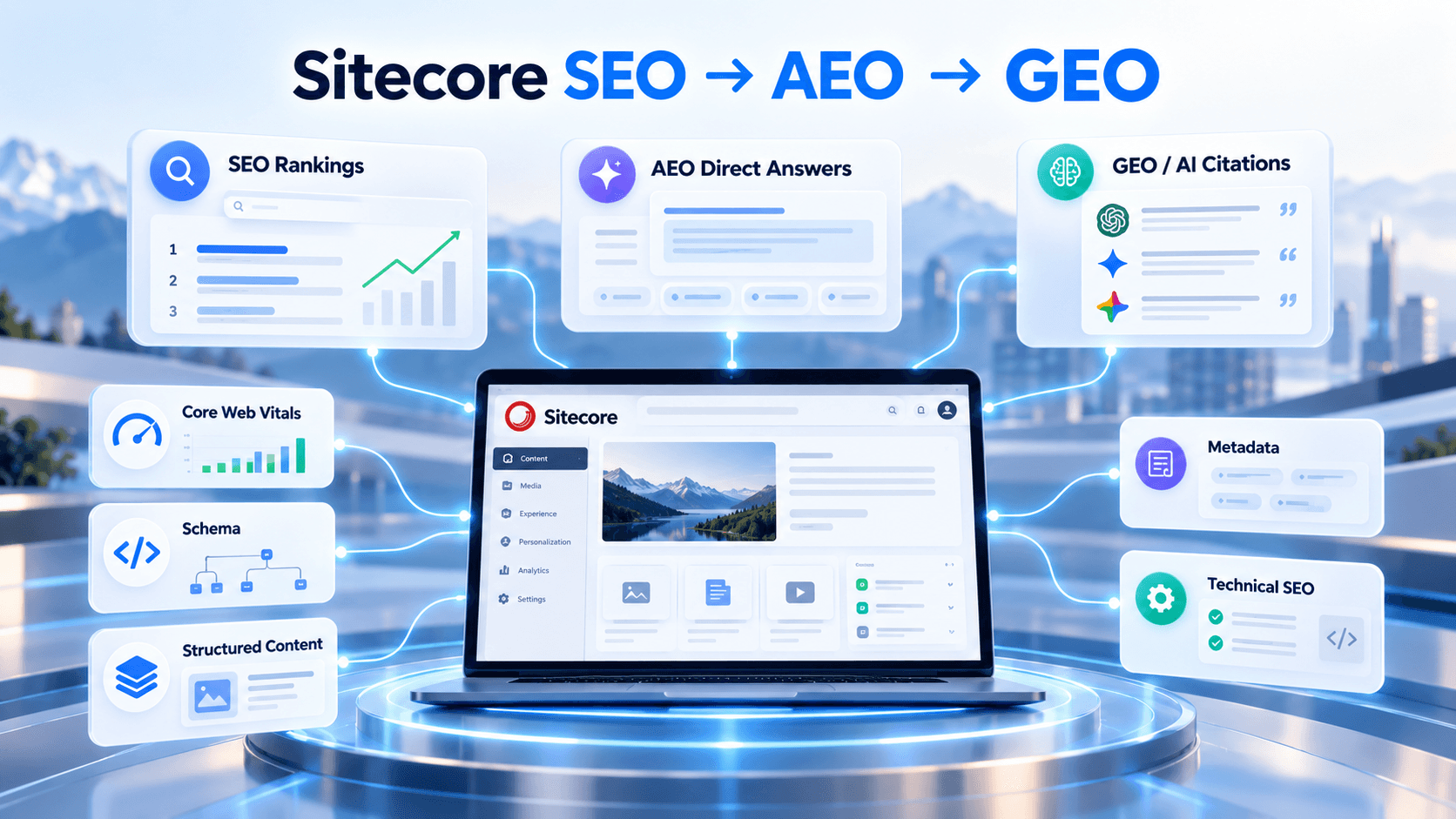
Protect Sitecore Rankings Before Your XM Cloud Migration
A Real Example: Michigan State University
MSU's migration is one of the best public examples of what this looks like at scale.
The project took 19 months and involved university IT, communications staff, dozens of departments, Sitecore's own support, and a development partner agency. The team first set up the XM Cloud environments, then built all components and templates, and only then moved into migration, where each XP site was completely rebuilt using the new components.
The result: 73 websites migrated from XP, plus 38 new websites built directly in XM Cloud, for 111 in total. By September 2025, MSU had the largest number of XM Cloud-hosted websites in the world. They also trained 359 campus users on the new platform.
Three lessons worth taking from this:
- · Build the component library first. MSU didn't migrate page by page from day one. They built reusable components, then rebuilt sites on top of them.
- · Content is a separate workstream. Content was copied into XM Cloud and pages were reassembled. That's real effort, and it needs owners.
- · Training matters. A new authoring experience only helps if editors know how to use it.
Your project will be smaller than MSU's, but the sequence holds.
Big-Bang vs Incremental Migration: Which One Fits?
Sitecore describes two main approaches: a big-bang move and a hybrid migration.
Big-bang migration
You build the new site in XM Cloud and switch everything over on one launch date. Sitecore notes that a direct migration is the shortest and most cost-effective path for most existing implementations.
Best for: a single site or a small portfolio, a clear deadline, a team that can freeze major changes for a few months.
Incremental migration
Traffic is routed between XP and XM Cloud so users see one website, while you move one section at a time.
Best for: large sites, multiple brands, or businesses that can't pause content work.
The catch: you'll be paying for XM Cloud and Sitecore XP at the same time, so planning should minimize the dual-running period.
A simple rule: if you have fewer than five sites and under a few thousand pages, big-bang is usually the better option. Above that, an incremental plan reduces risk.
Step-by-Step Sitecore XM Cloud Migration Plan
Step 1: Audit what you have
List your Sitecore version, installed modules, and other products like Commerce, Experience Forms, or Marketing Automation. Also list every integration (CRM, search, ERP), every form, and every personalization rule.
Step 2: Decide what not to migrate
Every large Sitecore site carries dead weight: old campaign pages, unused templates, duplicate components. Removing them before migration directly reduces cost.
Step 3: Map your SEO
Export every live URL, title, meta description, and redirect. Plan 301s for anything whose URL changes. This step protects your rankings and is often skipped by purely technical teams.
Step 4: Remove XP dependencies
Strip out xDB-based features, analytics, and goals, and decide what replaces them (Sitecore Personalize, CDP, or a third-party tool).
Step 5: Build the component library
Rebuild your MVC renderings as headless Next.js components using Headless SXA and JSS. Design these once and reuse them everywhere.
Step 6: Migrate content
Sitecore Content Serialization can move content items from self-hosted installations to XM Cloud. Media, links, and rich text still need checking.
Step 7: Rebuild CI/CD and hosting
Set up deployments through Sitecore CLI and your front-end host, such as Vercel or Netlify.
Step 8: Test early and often
Start testing long before go-live. Check page speed, Core Web Vitals, forms, redirects, and editor workflows, not just whether pages load.
Step 9: Launch, monitor, train
Watch Search Console and analytics closely for the first four to six weeks. Train editors before launch, not after.
Common Mistakes That Make Migrations Run Over
- · Treating it as an upgrade, not a rebuild. Budgeting for "moving the site" when you're actually rebuilding the front end.
- · Discovering personalization late. Marketing assumes their XP rules will carry over. They won't.
- · Ignoring SEO. Changing URLs without redirects can wipe out years of organic traffic.
- · Migrating junk. Moving 5,000 pages when 2,000 are actually used.
- · Long dual-running. Every extra month on both XP and XM Cloud is paid twice.
- · No component governance. Letting each site build its own components, so you end up with 40 versions of a "card."
How Long and How Much?
Honest answer: it depends on the number of sites, components, integrations, and personalization rules.
As a rough guide:
- · A single marketing site with a modest component set: typically a few months
- · A multi-site, multi-brand setup with integrations: many months, sometimes over a year (MSU's 111-site program took 19 months)
On cost, plan for a significant one-time migration effort, even though XM Cloud typically reduces operating costs over time. The biggest variables are front-end rebuild effort, content volume, and how much personalization you need to recreate.
Some agencies now use AI tools to speed up component conversion. AgencyQ, for example, reports converting legacy XP sites to headless Next.js up to 50% faster. Tools help, but experienced developers still need to review and test every converted component.
Find SEO Risks Before Moving Sitecore to XM Cloud
How Murmu Software Infotech Helps with Sitecore XM Cloud Migration
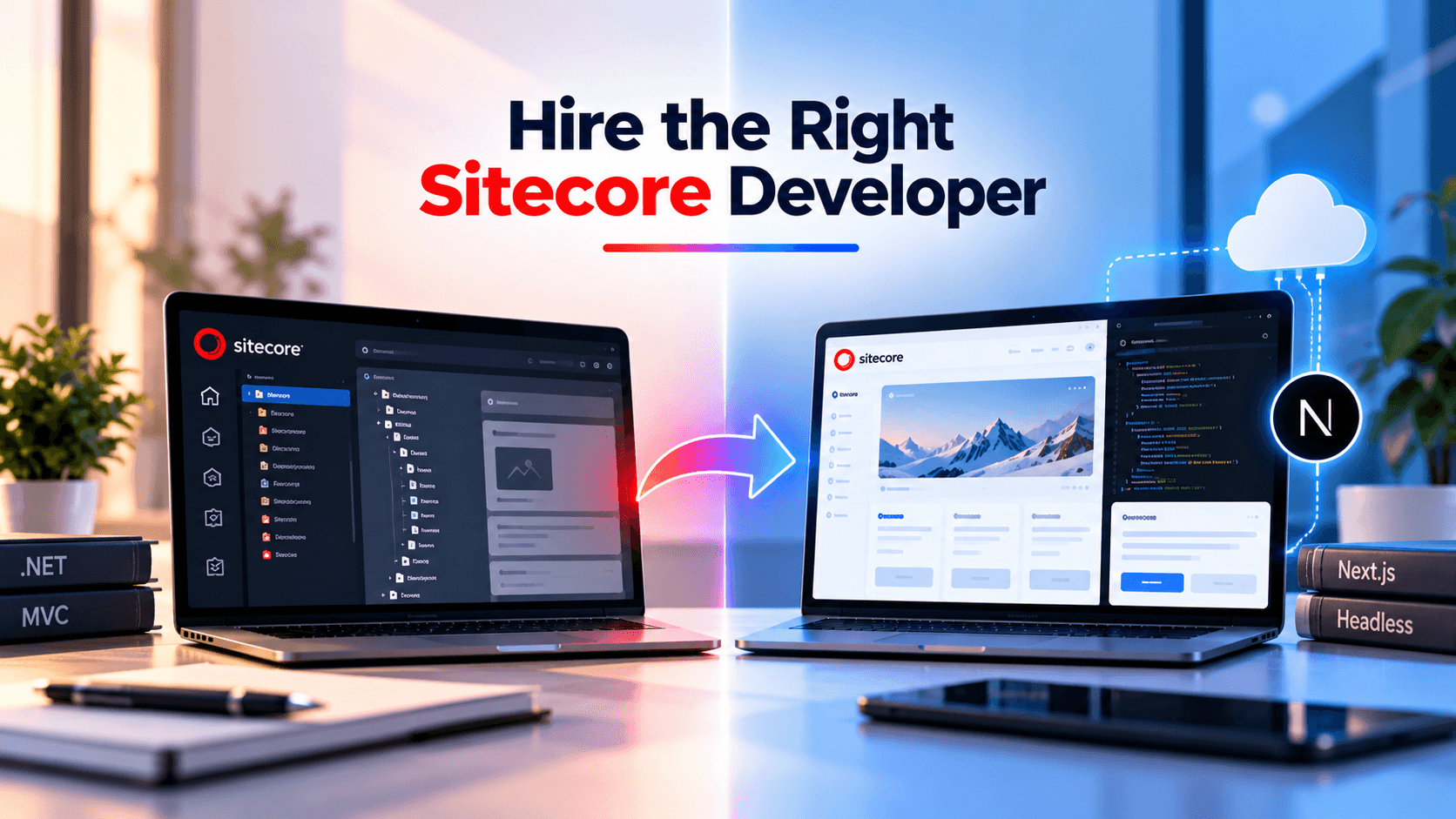
A successful migration needs two skill sets at once: deep knowledge of your existing Sitecore XP/MVC build, and strong headless front-end development. Murmu Software Infotech brings both, with hands-on experience across .NET, React, Next.js, and Sitecore tooling including SXA, JSS, Helix/Habitat, and Sitecore MVC.
Here's what working with Murmu Software Infotech looks like:
- · Migration audit: we review your current version, modules, integrations, xDB dependencies, and personalization, and give you a clear scope before you commit budget
- · Approach recommendation: big-bang or incremental, based on your site count, deadlines, and dual-running costs
- · Component rebuild: MVC renderings rebuilt as reusable headless Next.js components
- · Content and SEO-safe migration: URL mapping, redirects, and metadata carried over so rankings are protected
- · Post-launch support: fixes, optimization, and editor support after go-live
- · White-label delivery for agencies: if you're a US, UK, or UAE agency with a Sitecore client, we can deliver the migration under your brand
Explore our Sitecore XM Cloud development services, or if you need extra hands on an existing project, you can hire Sitecore developers on a dedicated basis.
Quick Migration Readiness Checklist
Before you talk to any partner, answer these:
- Which Sitecore version and modules are you running?
- How many sites, languages, and pages are live?
- Which personalization rules actually drive results?
- Which integrations must work on day one?
- Do you have a hard deadline (support end date, contract renewal)?
- Who owns content clean-up and editor training on your side?
If you can answer these, a migration partner can give you a realistic scope within days instead of weeks.
Frequently Asked Questions
What is Sitecore XM Cloud migration?
It's the process of moving a Sitecore website from a self-hosted or PaaS XP/XM installation to Sitecore's SaaS CMS, XM Cloud (now called SitecoreAI). It usually involves rebuilding the front end as headless, migrating content, and replacing XP-only features.
Do I need to upgrade to Sitecore 10.4 before migrating to XM Cloud?
Usually no. Sitecore's own guidance says upgrading XM or XP before migrating brings no efficiency, cost, or stability benefit. Upgrade only if you need a few more years on XP before moving.
Will my personalization work after migrating?
Not automatically. XP personalization doesn't migrate one to one. You'll need to recreate rules, and heavier personalization requires a separate Sitecore Personalize subscription.
Will migrating to XM Cloud hurt my SEO?
It doesn't have to. Rankings drop when URLs change without redirects or metadata gets lost. A proper URL map, 301 redirects, and post-launch monitoring protect your traffic. This is a standard part of Murmu Software Infotech's migration process.
How long does a Sitecore XM Cloud migration take?
A single site can take a few months. Large multi-site programs take longer; Michigan State University's 111-site project took 19 months.
Can Murmu Software Infotech handle migrations for agencies?
Yes. Murmu Software Infotech offers white-label Sitecore migration and development for agencies in the US, UK, and UAE, so the client relationship stays with the agency.
Frequently Asked Questions
What is Sitecore XM Cloud migration?
Sitecore XM Cloud migration is the process of moving a traditional Sitecore XP or XM implementation to Sitecore's SaaS headless CMS architecture, including frontend rebuilding, content migration and replacement of XP-specific functionality.
Is XM Cloud the same as SitecoreAI?
XM Cloud is now positioned under the SitecoreAI naming, while XM Cloud remains widely used in documentation, hiring and migration discussions.
Should Sitecore XP be upgraded before migrating to XM Cloud?
Usually not when XM Cloud is already the planned destination, because traditional XP or XM MVC architecture differs significantly from the SaaS headless architecture.
Does the Sitecore frontend need to be rebuilt for XM Cloud?
Traditional MVC renderings generally need to be rebuilt as headless components, commonly using Next.js, Sitecore JSS and Headless SXA.
What happens to Sitecore XP personalization during migration?
XP personalization does not transfer one to one. Existing rules and xDB dependencies should be audited and then recreated, replaced or retired based on the target architecture.
How do you protect SEO during Sitecore XM Cloud migration?
Inventory live URLs, metadata and redirects, preserve valuable URLs where practical, create 301 mappings, validate rendering and structured data, and monitor Search Console and analytics after launch.
What is a big-bang Sitecore migration?
A big-bang migration builds the new XM Cloud implementation and moves traffic to it in one coordinated launch rather than operating both platforms for an extended migration period.
What is an incremental XM Cloud migration?
An incremental migration moves websites or sections progressively while Sitecore XP and XM Cloud operate in parallel, which can reduce operational risk for larger estates.
How long does Sitecore XM Cloud migration take?
A smaller marketing website can take a few months, while complex multi-site environments with integrations, content volume and personalization may require many months or longer.
What should a Sitecore XM Cloud migration partner provide?
A migration partner should support discovery, architecture, Next.js component rebuilding, content migration, integrations, SEO protection, CI/CD, testing, editor training and post-launch optimization.