CMS Migration Services How to Move Platforms Without Losing Traffic

In This Article
Most CMS migrations start with frustration. Pages take forever to load. Marketing waits a week for a developer to change a banner. Licence fees keep rising. Or the platform simply stops getting updates.
Moving to a new CMS fixes those problems, but only if the migration itself is done right. A rushed one can wipe out years of search rankings in a few weeks. Here's what good CMS migration services actually involve.
Signs It's Time to Migrate
- Editors can't publish without a developer
- Your site fails Core Web Vitals and it's the platform, not the content
- Your CMS version is out of support or losing security updates
- You need the same content on a website, app, and other channels
- Licence and hosting costs keep growing while usage doesn't
If two or more of these sound familiar, migration is worth planning now rather than during a crisis.

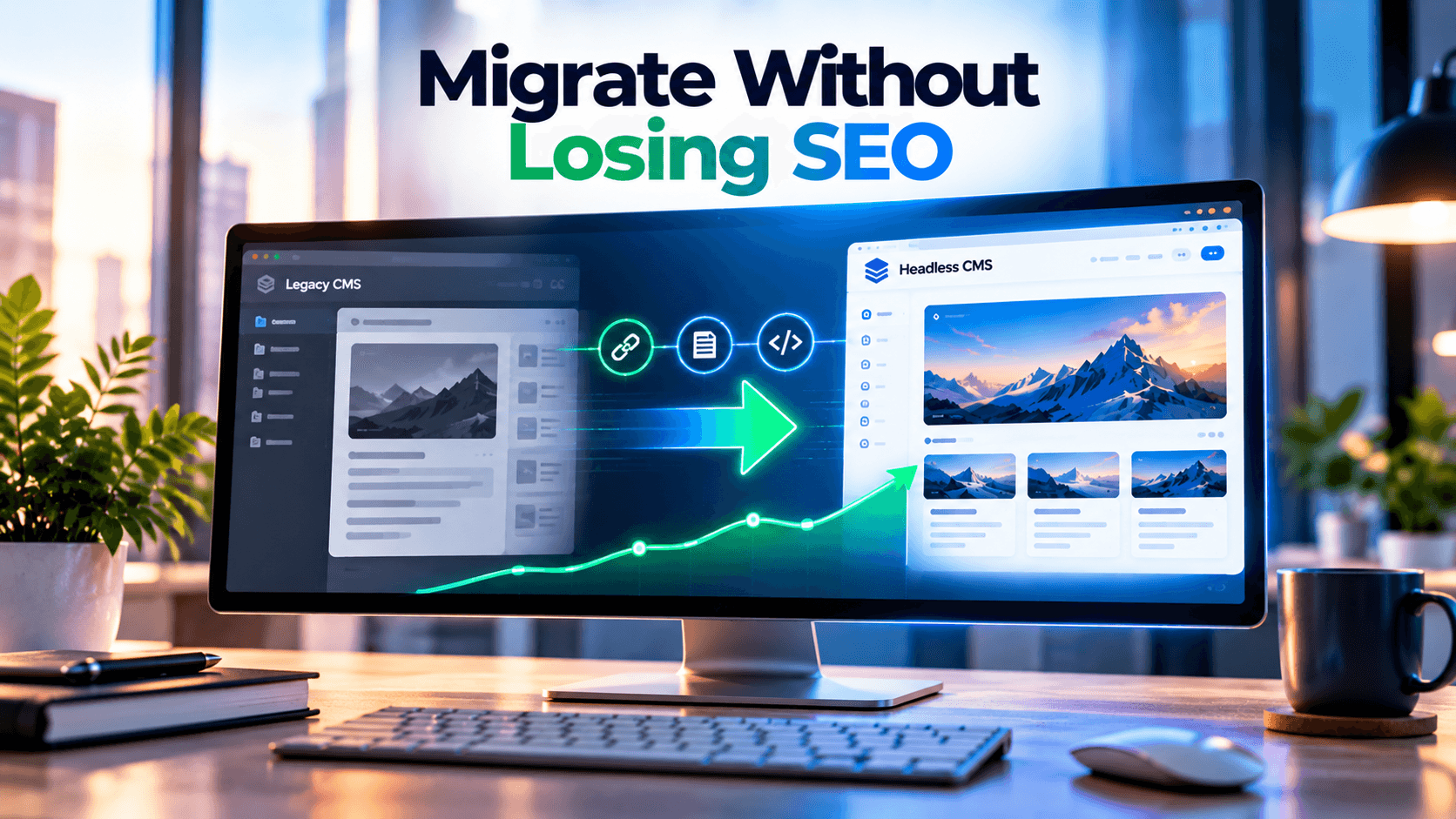
Move CMS Without Losing Traffic
Modernize your CMS while protecting rankings, redirects, metadata, structured content, integrations and performance with an SEO-first migration strategy.
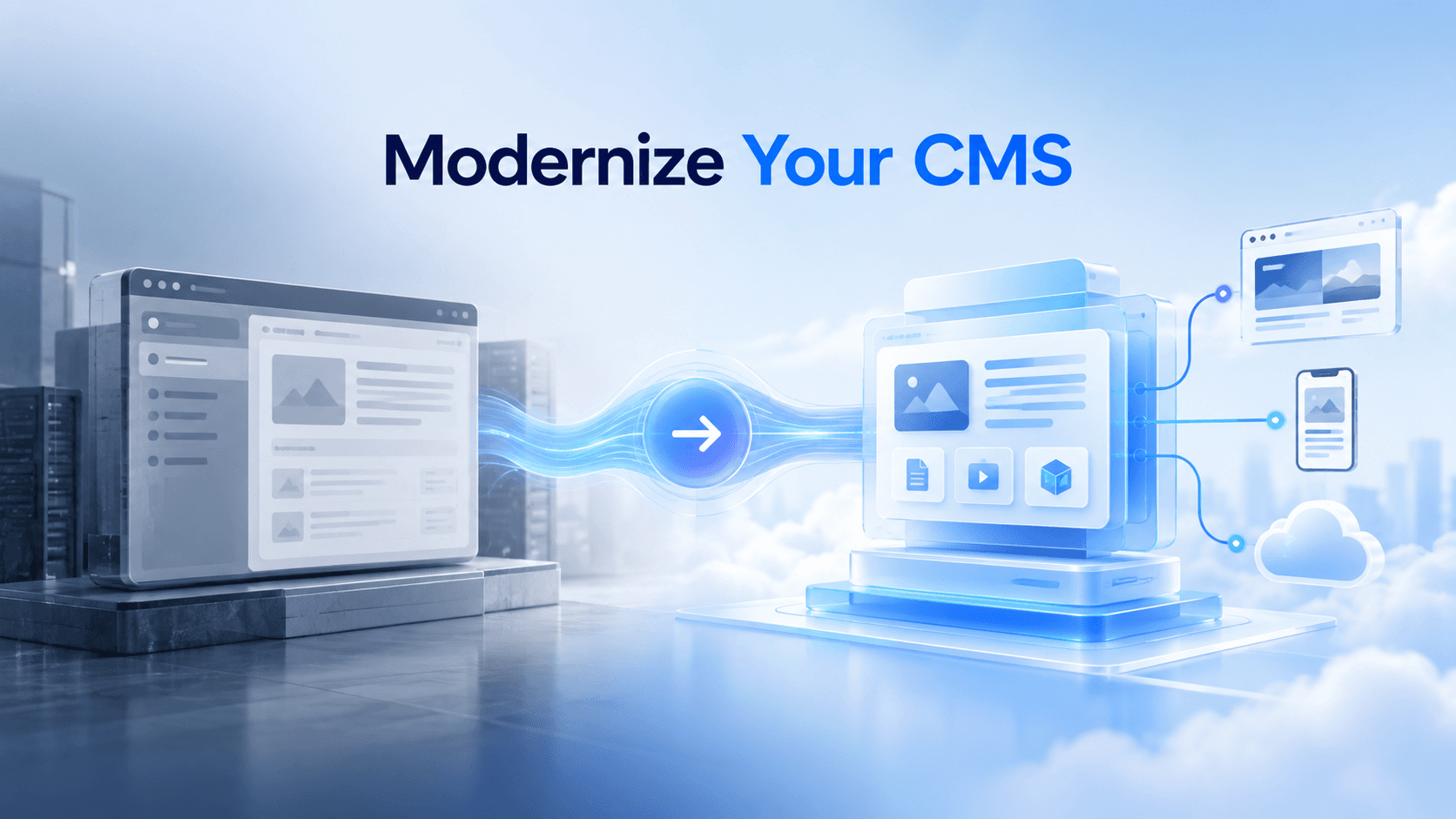
Traditional or Headless: Choosing Where to Go
A traditional CMS (like WordPress or Drupal) handles both content and page rendering. A headless CMS (like Sanity, Strapi, or Contentful) only stores content and delivers it through APIs, while a front end such as Next.js builds the pages.
Headless makes sense when performance, multi-channel publishing, or a modern front end matters. A traditional CMS is often simpler for small sites with limited development budgets. Choosing based on your team, not on trends, saves money later.
Protect Your SEO Before Your CMS Migration Begins
Real Migration Examples
RaftLabs moved its own website from Webflow to Sanity with Gatsby and Next.js. Around 12,000 monthly visitors were moved without traffic loss or downtime, 3,000+ programmatic SEO pages were launched in 12 weeks, and organic traffic grew 30% in the first year.
SoluteLabs migrated OddsNow, a sports insights platform, to Next.js and Sanity in three months. More than 1,500 articles moved from a legacy PostgreSQL database, with 1,500+ SEO-friendly redirects set up using AI-assisted tooling.
On the enterprise side, Michigan State University migrated 73 websites from Sitecore XP to XM Cloud in a 19-month programme. Bigger estates take longer, but the principles stay the same.
What these projects have in common: redirects planned upfront, content mapped before building, and migrations run as structured projects, not weekend jobs.
What Professional CMS Migration Services Include
- Content audit. What stays, what gets merged, and what gets deleted.
- Content modelling. Designing content types for the new CMS instead of copying old messy structures.
- Front-end build. Rebuilding templates and components on the new platform.
- Data migration. Scripts that move content, media, and metadata, and can be rerun safely.
- SEO protection. URL mapping, 301 redirects, metadata, canonicals, and schema.
- Integrations. Forms, CRM, search, analytics, and tracking.
- Testing and launch. Staging checks, redirect testing, then a planned cutover.
- Post-launch monitoring. Search Console and analytics checks for at least a few weeks.
Move Platforms Without Losing Rankings, Traffic, or Leads
SEO-Safe Migration Checklist
- Crawl and export every live URL before starting
- Map each old URL to its new home, with one 301 redirect per page
- Keep titles, meta descriptions, and H1s on key pages
- Test redirects on staging before go-live
- Submit the new sitemap in Google Search Console on launch day
- Watch impressions, crawl errors, and 404s daily for the first two weeks
How Murmu Software Infotech Handles CMS Migrations
Murmu Software Infotech migrates websites to modern platforms, with a strong focus on headless CMS. Our team works with Sanity, Strapi, Umbraco, Sitecore, Drupal, and WordPress, and builds front ends in Next.js and React.
Every migration we run includes:
- A content and URL audit before any build starts
- Clean content models designed for your editors
- SEO-safe redirects and metadata carried across
- Integration rebuilds for forms, CRM, and analytics
- Post-launch monitoring and support
We also deliver CMS migrations on a white-label basis for agencies in the US, UK, and UAE.
If your current CMS is holding your team back, explore Murmu Software Infotech's headless CMS migration services and get a migration plan that protects your traffic from day one.
Frequently Asked Questions
What are CMS migration services?
CMS migration services move website content, URLs, metadata, media, integrations and functionality from one content management system to another while protecting SEO, performance and business continuity.
Can a CMS migration hurt SEO rankings?
Yes. Rankings can decline when URLs change without redirects, metadata is lost, internal links break, pages disappear, schema changes or search engines cannot properly crawl the new website.
How do you protect SEO during a CMS migration?
Protect SEO by crawling existing URLs, mapping old pages to new destinations, implementing 301 redirects, preserving metadata and schema, testing staging and monitoring Search Console after launch.
What is a headless CMS migration?
A headless CMS migration moves content into an API-first CMS while separating content management from the website front end, which may be built with technologies such as Next.js or React.
Should every business migrate to a headless CMS?
No. Headless works well for businesses needing performance, flexible development or multi-channel publishing, while a traditional CMS may remain simpler for smaller websites with limited technical requirements.
What should be migrated from an old CMS?
Typical migration scope includes pages, blog posts, media, metadata, URLs, redirects, schema, content relationships, forms, integrations, analytics configuration and reusable content structures.
Why is URL mapping important during CMS migration?
URL mapping connects every important existing URL with its new destination so redirects can preserve user journeys, backlinks and search-engine signals after the new site launches.
How long should SEO be monitored after CMS migration?
Monitoring should begin immediately after launch and continue through the stabilization period, with close attention to indexing, impressions, traffic, redirects, crawl errors and 404 pages.
What are common CMS migration mistakes?
Common mistakes include migrating unnecessary content, changing URLs without redirects, losing metadata, skipping schema, rebuilding integrations late, insufficient staging tests and failing to monitor search performance after launch.
What should I look for in a CMS migration company?
Look for experience with your source and destination platforms, repeatable migration scripts, SEO expertise, integration capability, staging and QA processes, redirect planning and post-launch support.