TallyPrime vs Zoho Books vs Zoho Invoice vs Vyapar vs Smart Billing
In This Article
- Best for Indian Businesses?
- Which Billing Software Is Best for Your Business?
- TallyPrime vs Zoho Books vs Zoho Invoice vs Vyapar vs Smart Billing
- Accounting vs Invoicing vs POS vs Retail CRM
- Smart Billing Lite vs Smart Billing Pro: What's Different?
- Smart Billing Lite — Mobile-First Simplicity
- Smart Billing Pro Connected Retail Operations
- GST Billing, Inventory, Barcode and Payments Compared
- Why Customer Credit, Loyalty and WhatsApp Matter
- Are AI-Powered Billing Features Worth Paying For?
- Billing Software Pricing: What Should You Compare?
- Which Billing Software Fits Different Indian Businesses?
- Can Smart Billing Work Alongside Existing Accounting Software?
- See Murmu Software Infotech's Retail Engineering Experience
- Choose Billing Software Around Your Daily Business
Best for Indian Businesses?
Your shop is making sales every day. But are billing, stock, payments and customer records working together?
A billing application might generate invoices quickly while leaving you dependent on separate tools for inventory, accounting and customer follow-ups.
If you're comparing Tally vs Zoho vs Vyapar, the most important question isn't which software has the longest feature list.
It's which software fits the way your business operates.
This guide compares five established software choices alongside Murmu Software Infotech's Smart Billing Lite and Pro.
Which Billing Software Is Best for Your Business?
Start with your biggest operational requirement.
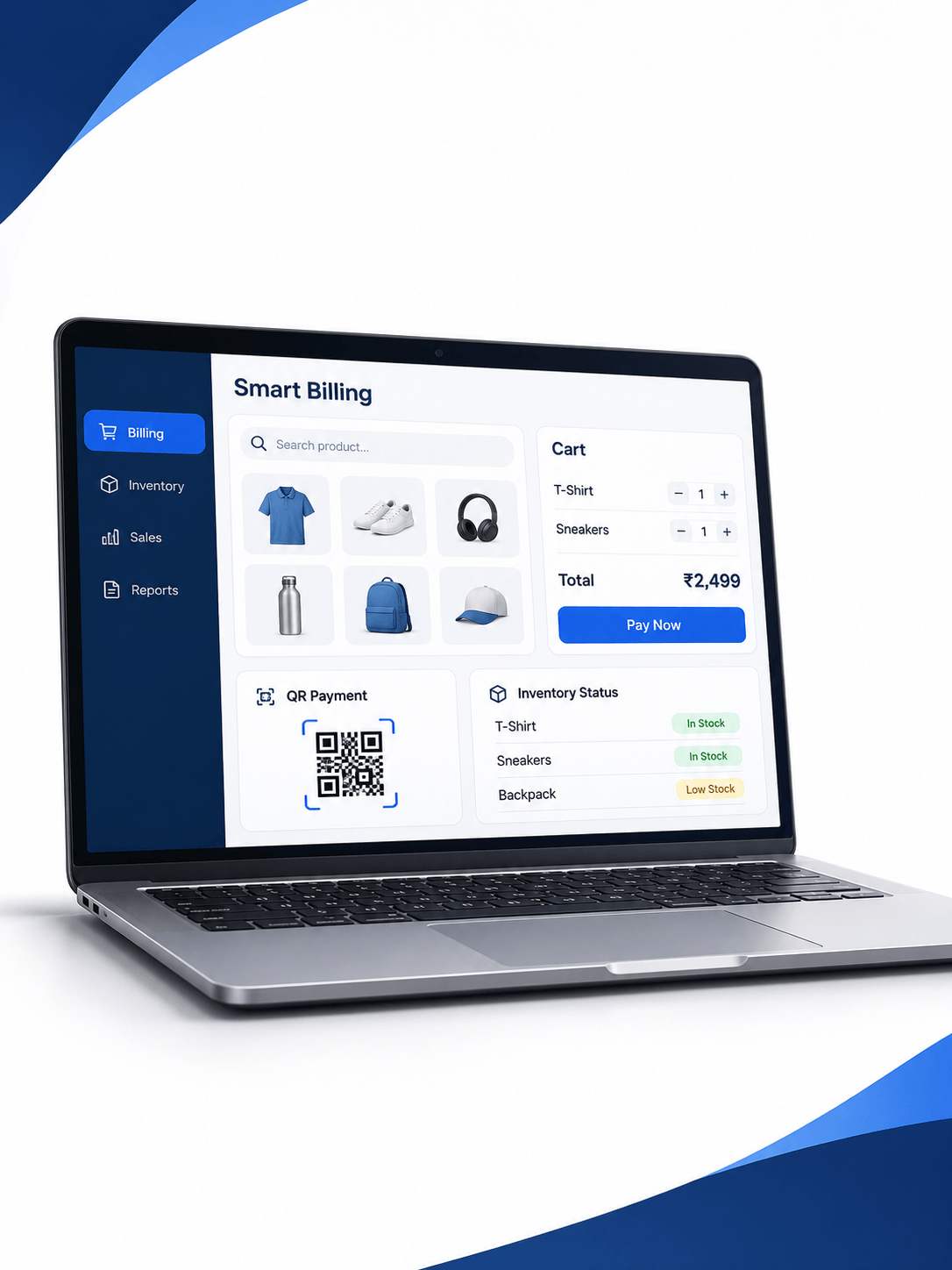
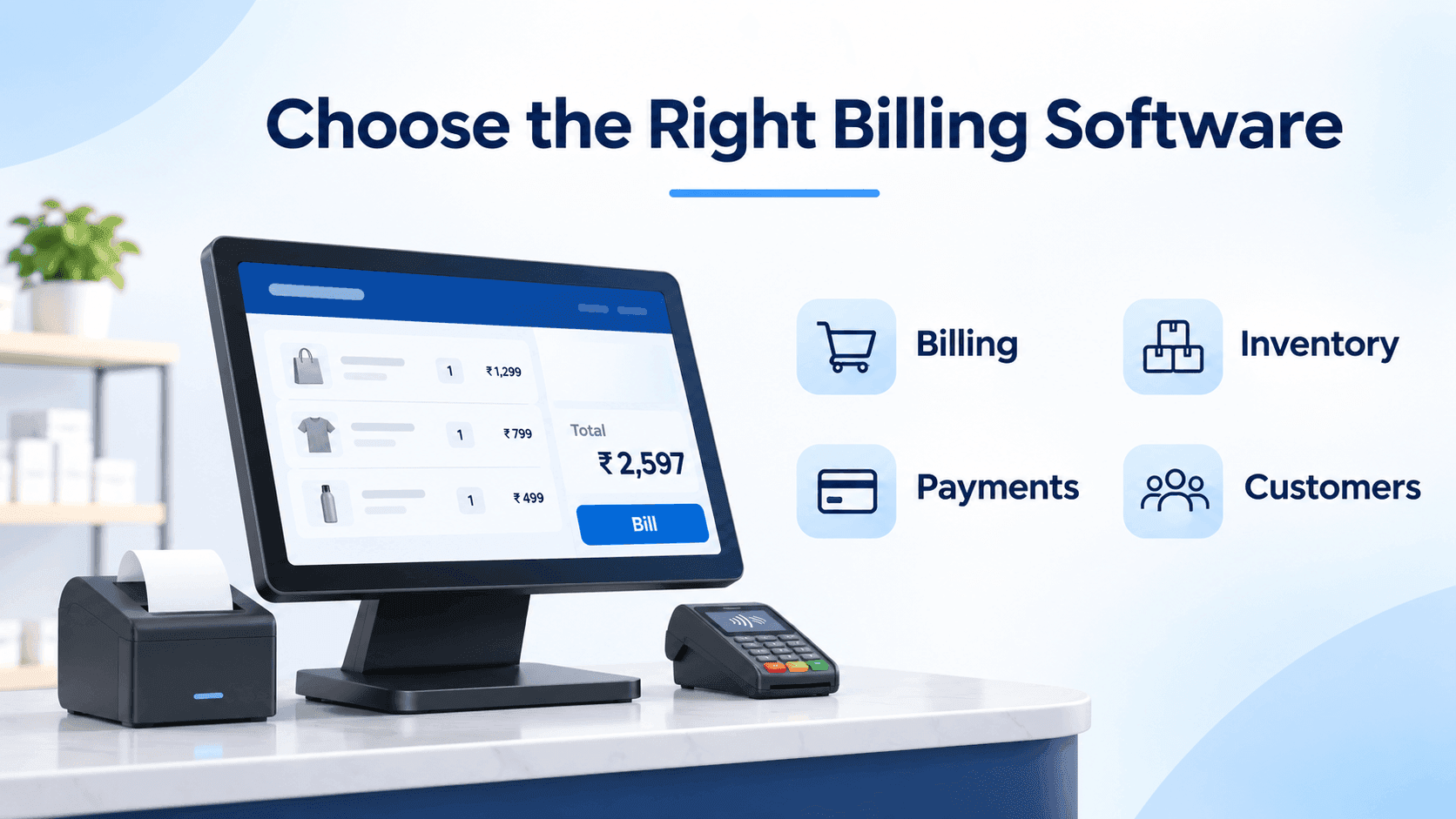
Choose Billing Built Around Retail
Connect billing, inventory, payments, and customer records in one practical retail workflow designed around your store's daily operations.
| Your main need | Software to evaluate |
|---|---|
| Accounting, GST and financial records | TallyPrime |
| Online bookkeeping and connected accounting | Zoho Books |
| Invoices, quotations and payment collection | Zoho Invoice |
| GST billing, stock and shop operations | Vyapar |
| Simple mobile billing and customer records | Smart Billing Lite |
| Retail POS, inventory, CRM and multi-store operations | Smart Billing Pro |
These are starting points, not exclusive capabilities. Several products offer overlapping features.
TallyPrime vs Zoho Books vs Zoho Invoice vs Vyapar vs Smart Billing
TallyPrime suits businesses that prioritize established accounting processes, GST, inventory and financial reporting.
Zoho Books supports cloud-based accounting, banking, GST workflows, invoices and inventory features, subject to the selected plan.
Zoho Invoice is an invoicing-focused solution for businesses that want to create professional invoices, track payments and send reminders.
Vyapar combines GST billing, inventory, accounting and retail workflows, including offline capabilities on supported devices.
Smart Billing Lite, developed by Murmu Software Infotech, focuses on simple mobile billing, QR/UPI payments and customer management.
Smart Billing Pro For POS systems with connectivity, barcodes, stock management, CRM, loyalty and overall visibility
Your Retail Business Needs More Than Another Billing App
Compare your checkout, payments, stock and customer-management needs against a connected Smart Billing workflow.
Depending on specific requirements different solutions may be suitable. If accuracy of accounts is required then a different solution may be appropriate than if fast check-outs and customer interaction are the most important factors.
Accounting vs Invoicing vs POS vs Retail CRM
These terms describe different business functions.
Accounting software manages financial transactions, ledgers, taxes and reports.
Invoicing software creates payment requests and tracks collections.
POS software supports customer checkout, payments and retail transactions.
Retail CRM organizes customer information, purchasing history and engagement activities.
A growing retailer may need several functions together, but that doesn't mean every business requires an expensive enterprise platform.
Smart Billing Lite vs Smart Billing Pro: What's Different?
Murmu Software Infotech offers two documented approaches for different retail needs.
Smart Billing Lite — Mobile-First Simplicity
Smart Billing Lite is designed for smaller shops and service providers wanting uncomplicated billing.
Its documented capabilities include:
- Calculator-style billing
- QR and UPI payments
- Customer and payment records
- WhatsApp invoice sharing
- Memberships, offers and business insights
Explore the Smart Billing Lite Case Study.
Smart Billing Pro Connected Retail Operations
Smart Billing Pro is designed for businesses requiring wider operational functionality.
Its documented solution includes barcode POS, stock control, customer CRM, loyalty programs, reporting, warehouse operations and multi-store management.
Explore the Smart Billing Pro Case Study.
Specific modules, integrations and AI functionality should be confirmed during a product demonstration.
GST Billing, Inventory, Barcode and Payments Compared
Every retailer should test software using actual store activities.
Can staff create the correct GST invoice? Can they apply discounts, process returns and reconcile payments? Does stock update after a sale?
For inventory-heavy businesses, also check purchase entries, supplier records, stock transfers and low-stock alerts.
Barcode scanners, thermal printers, labels and payment terminals should be tested against supported hardware.
Pharmacies and specialist retailers may also need batch, expiry or industry-specific controls. Never assume these features are included without verification.
Why Customer Credit, Loyalty and WhatsApp Matter
Retail growth is not only about issuing invoices.
Shops may need customer credit tracking, payment reminders, repeat-purchase history, loyalty offers and promotional communication.
Smart Billing Lite and Pro provide different levels of customer engagement support.
These workflows can help retailers organize customer relationships, but loyalty campaigns and reminders require suitable consent, configuration and responsible customer-data handling.
Want to evaluate your checkout, stock and customer workflows together?
Are AI-Powered Billing Features Worth Paying For?
AI features can help you with sales overviews, product insights, stock analysis and more.
Not all features may be available on all plans.
Find out what specific AI features you can use with the different providers, what type of data is used to generate them, what costs are involved and whether the insights given are appropriate for your decision making.
AI-assisted recommendations should complement accurate transaction records rather than replace accounting controls.
Billing Software Pricing: What Should You Compare?
The cheapest advertised subscription may not be the lowest total cost.
Compare subscription fees, user limits, additional stores, devices, GST, hardware, implementation, integrations and renewal charges.
Zoho Invoice currently offers a free invoicing product. Zoho Books also has an eligibility-based free plan.
Other products use different free, trial, licence and subscription arrangements.
Smart Billing's trial offer must be distinguished from permanent free access. Review current terms directly before purchasing.
Do not compare prices until you know what features and support are included.
Compare Your Current Billing Setup Before Paying For More
Review existing software, POS hardware, inventory requirements and potential integrations before selecting a new system.
Which Billing Software Fits Different Indian Businesses?
A freelancer may need straightforward invoicing.
A kirana shop may prioritize quick checkout, customer dues and simple mobile access.
A wholesaler may require purchasing, stock, GST and accounting workflows.
A supermarket may need barcode billing, returns, inventory and multiple checkout counters.
A growing retail chain may prioritize stock visibility across locations and consistent customer records.
For complex requirements, Murmu Software Infotech also offers Custom Retail Billing, ERP & Inventory Software.
Can Smart Billing Work Alongside Existing Accounting Software?
Potentially, yes.
A retailer may use Smart Billing for operational workflows while maintaining a separate accounting system.
Any integration should define what information moves between systems, who approves it, how errors are handled and whether the accounting software provides compatible interfaces.
Do not assume automatic synchronization or statutory equivalence without a scoped integration and testing.
See Murmu Software Infotech's Retail Engineering Experience
MSI's published Smart Billing Lite and Pro case studies demonstrate mobile billing and connected POS engineering.
Its Jewellery ERP, Inventory & POS Project also demonstrates custom retail software work.
These examples establish project experience, not guaranteed increases in revenue or customer retention.
Choose Billing Software Around Your Daily Business
Before paying for another application, test one complete workflow:
Create bill → receive payment → update stock → save customer record → review daily sales.
Check your actual requirements, hardware and accounting obligations before choosing.
Murmu Software Infotech helps businesses evaluate mobile billing, connected POS operations and custom retail software needs.
Frequently Asked Questions
Which is the best billing software in India: TallyPrime, Zoho Books, Vyapar or Smart Billing?
The best choice depends on your business. TallyPrime suits accounting-led workflows, Zoho Books focuses on connected cloud accounting, Vyapar supports billing and inventory for SMEs, and MSI Smart Billing Lite or Pro can suit different retail POS and customer-management needs.
What is the difference between TallyPrime and Smart Billing Pro?
TallyPrime combines accounting, GST, financial reporting, billing and inventory. Smart Billing Pro focuses on retail POS, barcode billing, inventory, customer CRM, loyalty and multi-store workflows. Smart Billing Pro should not be treated as a complete TallyPrime accounting replacement without verifying functional equivalence.
Is Zoho Invoice really free for Indian businesses?
Zoho currently advertises Zoho Invoice as a free invoicing product in India. It supports GST invoices, estimates, payment collection and reminders. Businesses should confirm current terms and whether their requirements extend beyond invoicing.
What is the difference between Zoho Books and Zoho Invoice?
Zoho Invoice mainly handles invoicing, quotations, payment collection and related activities. Zoho Books is a wider accounting product offering financial records, banking, GST workflows and inventory features. Availability and limits depend on the chosen edition or plan.
Is Vyapar suitable for retail shops and wholesalers?
Vyapar provides GST invoicing, inventory, accounting, reports and retail-related features, with offline capabilities on supported devices. Shops and wholesalers should test stock, barcode, hardware, purchase and reporting workflows against the applicable plan.
What is the difference between Smart Billing Lite and Smart Billing Pro?
Smart Billing Lite prioritizes mobile-first billing, QR/UPI payments and customer records for smaller businesses. Smart Billing Pro adds a broader retail management approach involving web POS, barcode billing, inventory, CRM, loyalty, reporting and multi-store capabilities.
Does Smart Billing support GST invoices and barcode billing?
MSI's Smart Billing Pro documentation describes GST invoices and barcode POS workflows. Businesses should confirm exact tax functions, supported scanners, printers, software modules and plan restrictions through a live demonstration.
Can billing software manage inventory and customer loyalty together?
Yes. Some retail platforms combine invoices, stock movement, customer records, purchase history and loyalty programs. MSI's Smart Billing Pro case study describes such connected workflows. Specific features and integrations should be verified before purchase.
Can Smart Billing integrate with existing accounting or ERP software?
A custom integration may be possible when the accounting or ERP system provides compatible access. Integration scope should address data mapping, permissions, transaction synchronization, reconciliation, errors and ongoing support. Automatic compatibility should not be assumed.
How should a shop owner compare billing software costs?
Compare the complete cost of subscriptions or licences, users, stores, devices, GST, printers, barcode scanners, payment integrations, onboarding, backups, maintenance and renewals. Also review free-plan eligibility and trial restrictions before selecting a product.