Development / CMS
Understanding Core Concepts in Sitecore: Data Sources, Items, Versions & Caching
SSaurav Kumar3 Min Read
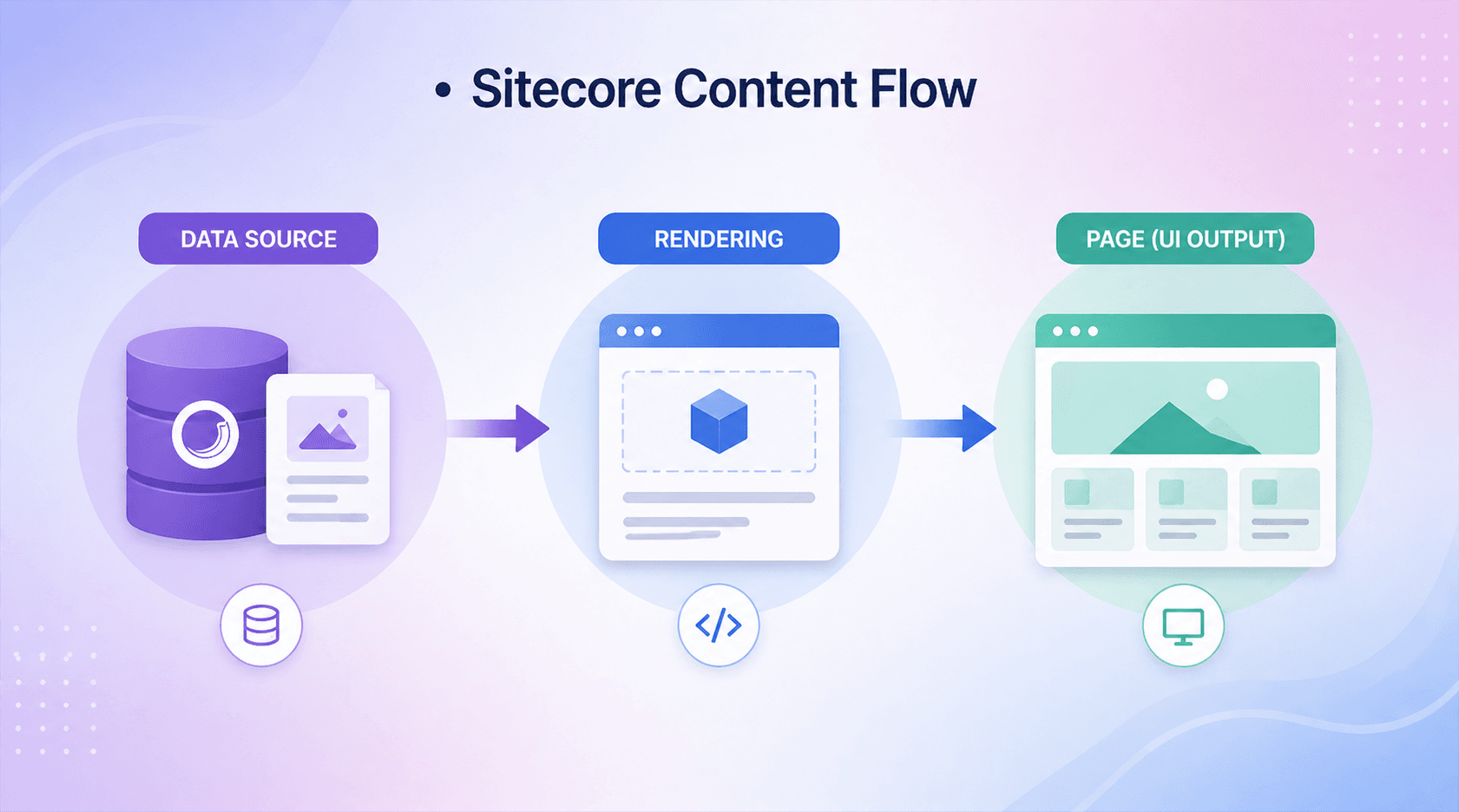
When working with Sitecore, understanding its core content architecture is essential. Whether you're a developer, architect, or content author, these foundational concepts shape how content is structured, rendered, and optimized.
In this blog, we’ll break down five key concepts:
Let’s dive in.
A Data Source is the content item that a rendering (component) uses to display content.
Instead of embedding content directly inside a component, Sitecore promotes a separation of content and presentation. This allows developers to build reusable components and content authors to manage content independently.
Imagine a Hero Bannercomponent :
Same component, different data → highly reusable.
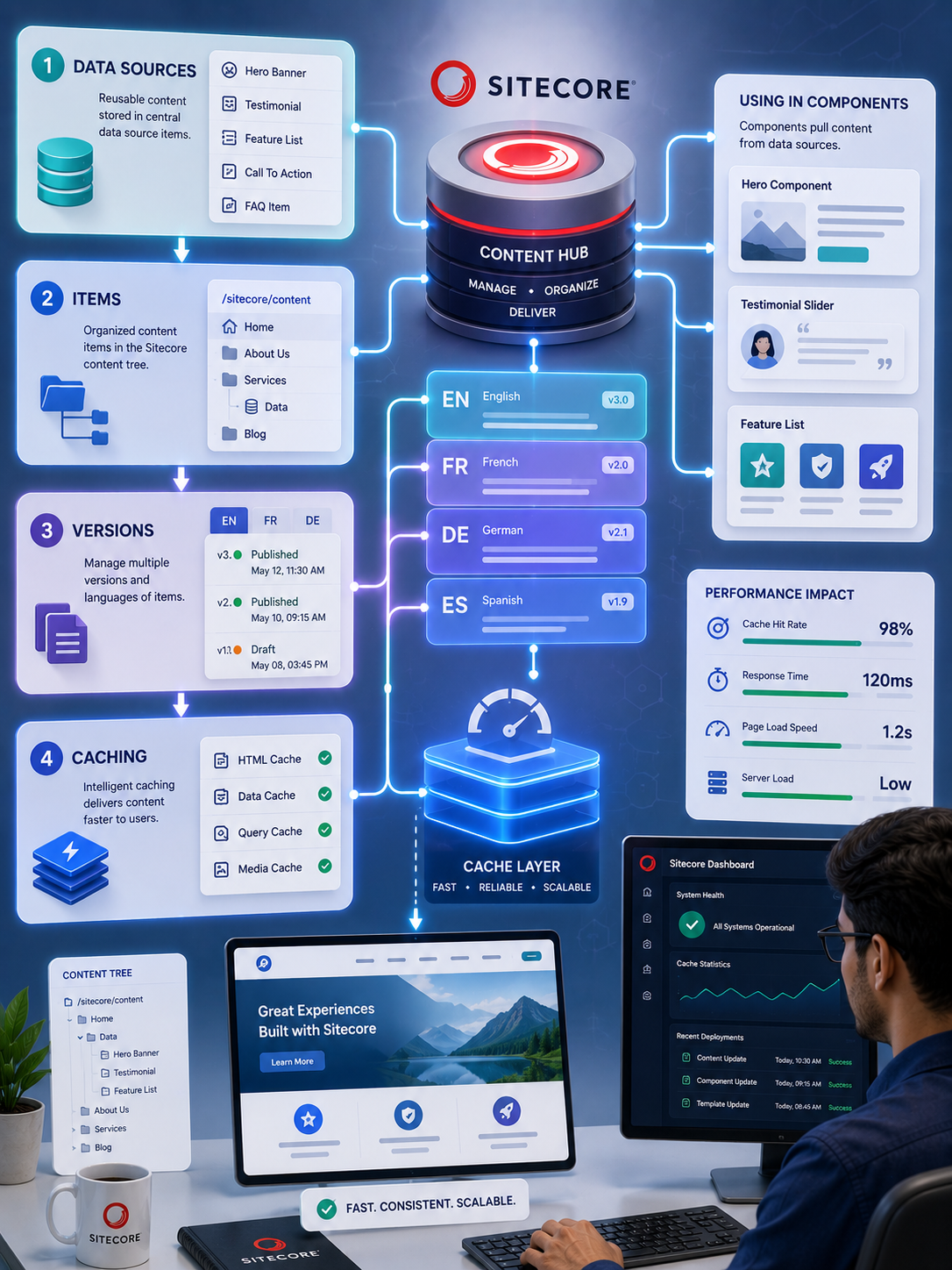
Understand data sources, items, versions, and caching to build faster, scalable Sitecore solutions with cleaner content architecture and optimized performance.
A Page Item represents a webpage in Sitecore.
It lives inside the content tree (typically under /sitecore/content/...) and is built using a template.
Think of it as the central unit of a webpage, combining both content and structure.
Sitecore is entirely item-based, but not all items serve the same purpose.
1. Templates
Define the structure of content (like a schema)
2. Content Items
Actual data created using templates (pages, components)
3. Rendering Items
Define how components behave and render (MVC, View renderings)
4. Media Items
Store assets like images, PDFs, and videos
Understanding item types helps you:
This is one of the most important concepts in Sitecore—and often misunderstood.
Represents content in different languages.
Example:
Each language has its own version of content.
Represents different versions of content within the same language.
Example (English):
The structure looks like this:
Item → Language → Version
This allows Sitecore to support both:
Our Sitecore development services help teams implement reusable data sources, item structures, versioning, caching, and content architecture correctly for scalable, maintainable Sitecore solutions.
Caching is critical for performance in Sitecore, especially for large-scale or high-traffic websites.
1. HTML Cache
Stores rendered output of components (biggest performance gain)
2. Data Cache
Stores raw data from the database
3. Item Cache
Caches Sitecore items
4. Media Cache
Caches images and media files
5. Prefetch Cache
Loads frequently used items at startup
6. Path Cache
Optimizes item path resolution
Sitecore allows you to vary cache based on:
If you don’t vary cache by data source, the wrong content may appear on different pages.
Sitecore’s power lies in its flexible and structured content architecture.
By understanding:
you can build scalable, maintainable, and high-performing Sitecore solutions.
Happy Coding!
A Sitecore data source is a content item that a rendering or component uses to retrieve and display content. Data sources separate content from presentation and make components more reusable.
A page item represents a webpage in the Sitecore content tree, while a data source is a content item that a component can reference to retrieve specific content independently of the page.
Items are the fundamental units of content and configuration in Sitecore. They can represent pages, content, templates, renderings, media, settings, and other objects within the Sitecore content tree.
A language version represents content in a specific language, while an item version represents a different revision of that content within the same language.
Sitecore can maintain multiple versions of an item within each language. This allows teams to manage content revisions, updates, approvals, and multilingual content independently.
Common Sitecore caching mechanisms include HTML cache, data cache, item cache, media cache, prefetch cache, and path cache. Each supports different aspects of content retrieval and application performance.
Sitecore caching reduces repeated database or processing work by keeping frequently accessed content or rendered output in memory, allowing requests to retrieve data faster.
Cache variation ensures that cached output is appropriate for different contexts such as users, data sources, query strings, or devices. Incorrect variation can cause one context to receive content cached for another.
A reusable data source is a content item that can be selected by a rendering and reused across multiple pages or components. This separates shared content from individual page structures.
Data sources separate content from presentation, allowing the same component to display different content in different contexts. This improves reuse, content management, consistency, and maintainability.